Clock
Timer and Stopwatch
You can use the timer to count down from a
specied time. You can also use the stopwatch
to measure the duration of an event.
Timer
Go to Clock > Timer, set the duration of time, and touch to start the timer. To stop
it, touch .
Stopwatch
Go to
Clock > Stopwatch, and touch to start the stopwatch. To stop it, touch .
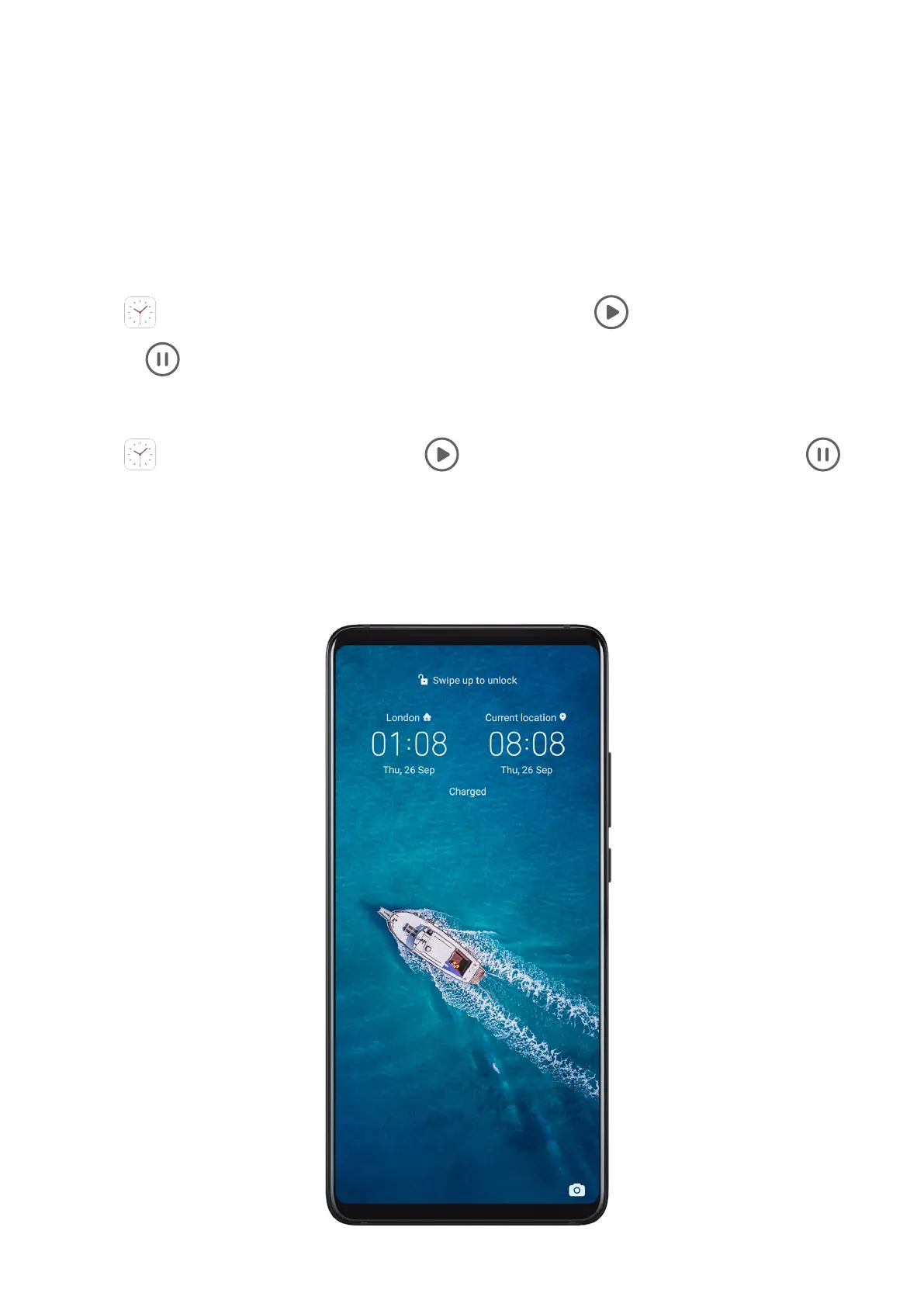
Display Dual Clocks on the Lock Screen
When you are away from your home time zone, use Dual clocks to display the time of both
your home city and current location on the lock screen.
Apps
75



 To Next Page