Smart Features
Easy Projection
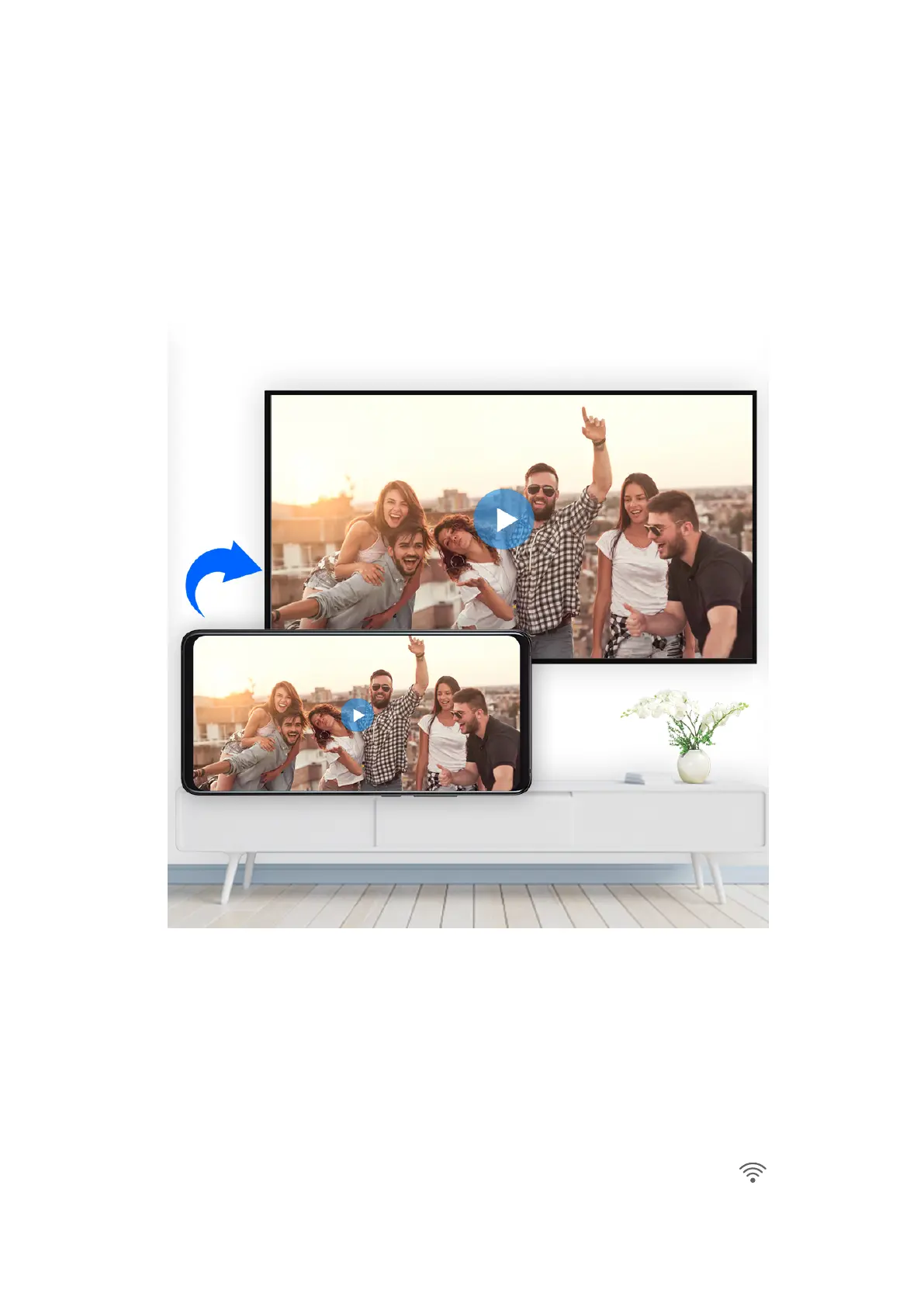
Wireless Projection
You can connect your device to an external display (for example, a TV) wirelessly.
1 Based on the model and functions of your external display, do the following:
• If the external display supports Miracast, enable wireless projection on it.
• If not, use a wireless HDMI adapter to connect your device and external display. Ensure
that the wireless HDMI adapter is connected to a power supply.
To check whether your external display supports Miracast and how to enable wireless
projection on it, consult the user guide or customer service of the external display
manufacturer.
2 Swipe down from the status bar to open the
notication panel, then touch to turn on
Wi-Fi.
29



 To Next Page