3 Swipe down further on the notication panel to enable Wireless Projection. Your device
will now search for the external display or the wireless HDMI adapter.
Alternatively, go to
Settings > More connections > Easy Projection and enable
Wireless Projection.
4 Touch the name of the external display or the wireless HDMI adapter on the search result
list to start projecting.
Wired Projection
You can connect your device to an external display (for example, a TV) using a wired
connection.
It is recommended that you purchase the accessories recommended or
specied by Huawei
from authorised sources.
Projection Using a Type-C Cable
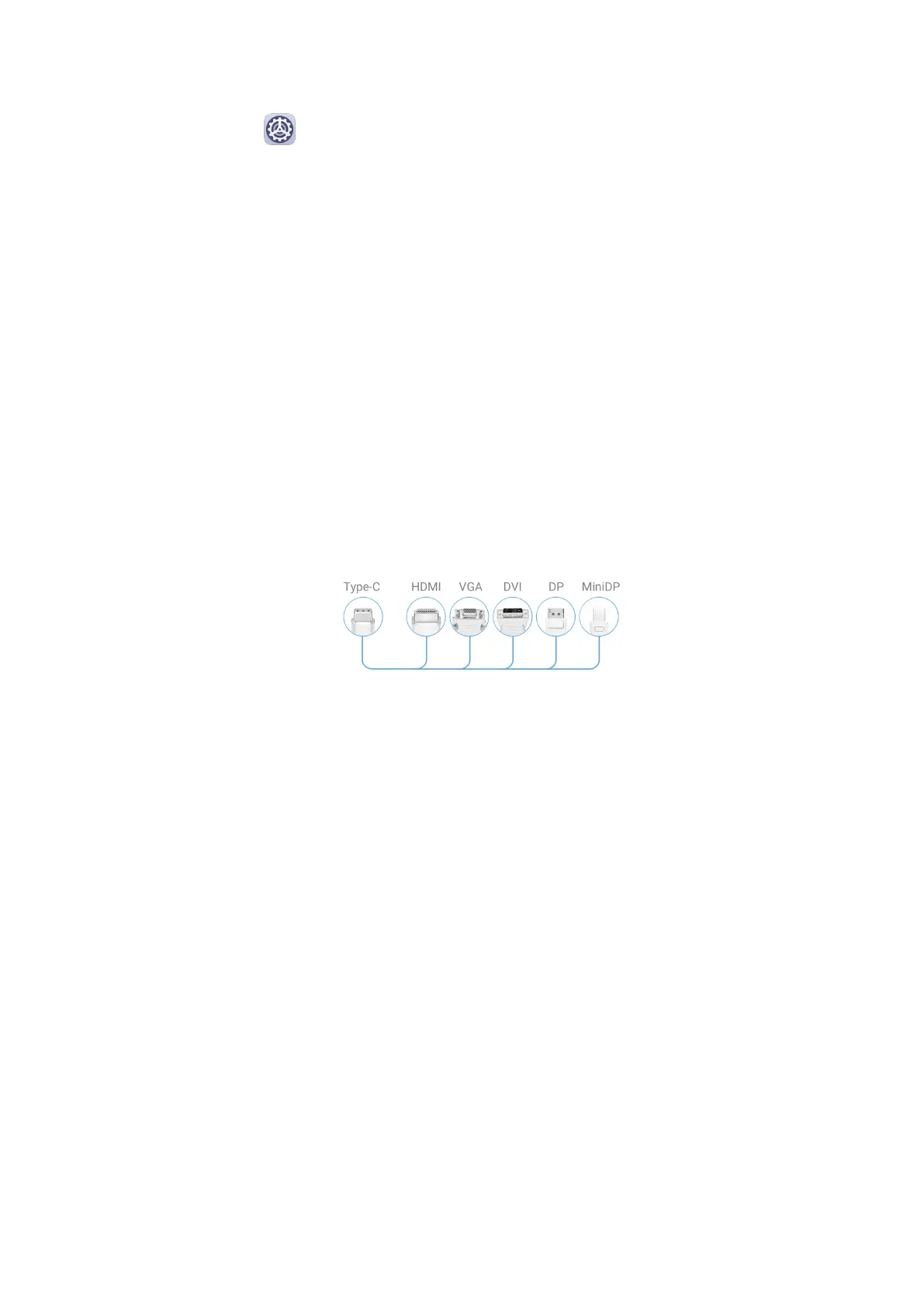
1 Prepare a Type-C cable.
Use a Type-C to HDMI, Type-C to DP, or Type-C to MiniDP cable depending on your
external display.
2 Connect the Type-C end to your device and the other end to the external display.
Smart Features
30



 To Next Page