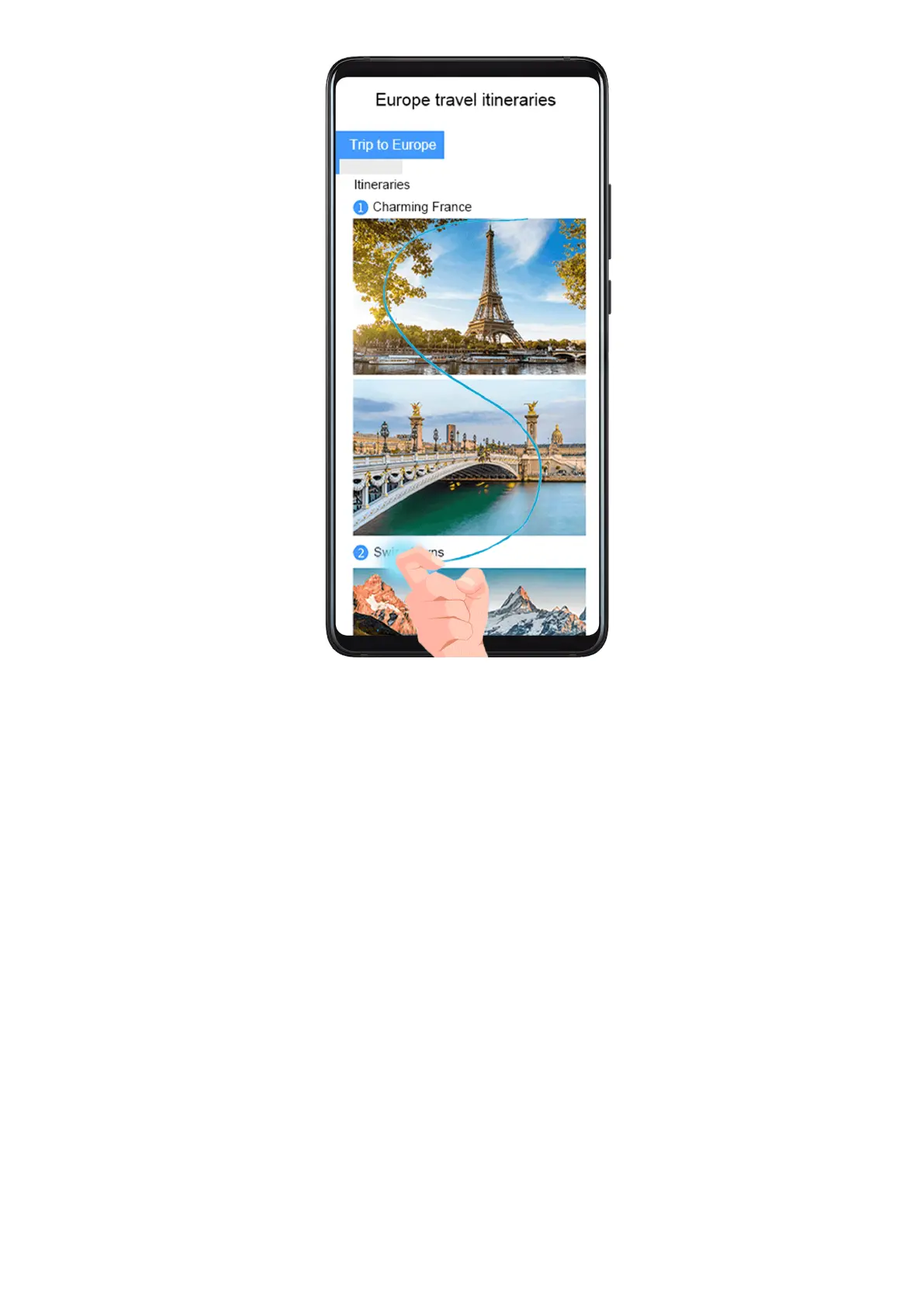
1 Knock the screen with a knuckle and hold to draw an "S". The screen will automatically
scroll down to the bottom for you to capture the entire page.
2 You can touch the screen at any point to stop the screenshot.
Record the Screen
Record your screen activities in sharable videos to compose a tutorial, show
o your
awesome gaming skills, and a lot more.
Essentials
17



 To Next Page