2 When the scan is complete, touch Clean up after each item and delete any les you don't
need.
Clean Up Duplicate Files
Optimiser can identify duplicate les on your device.
On the Cleanup screen, touch Duplicate les, then select unwanted les to delete them.
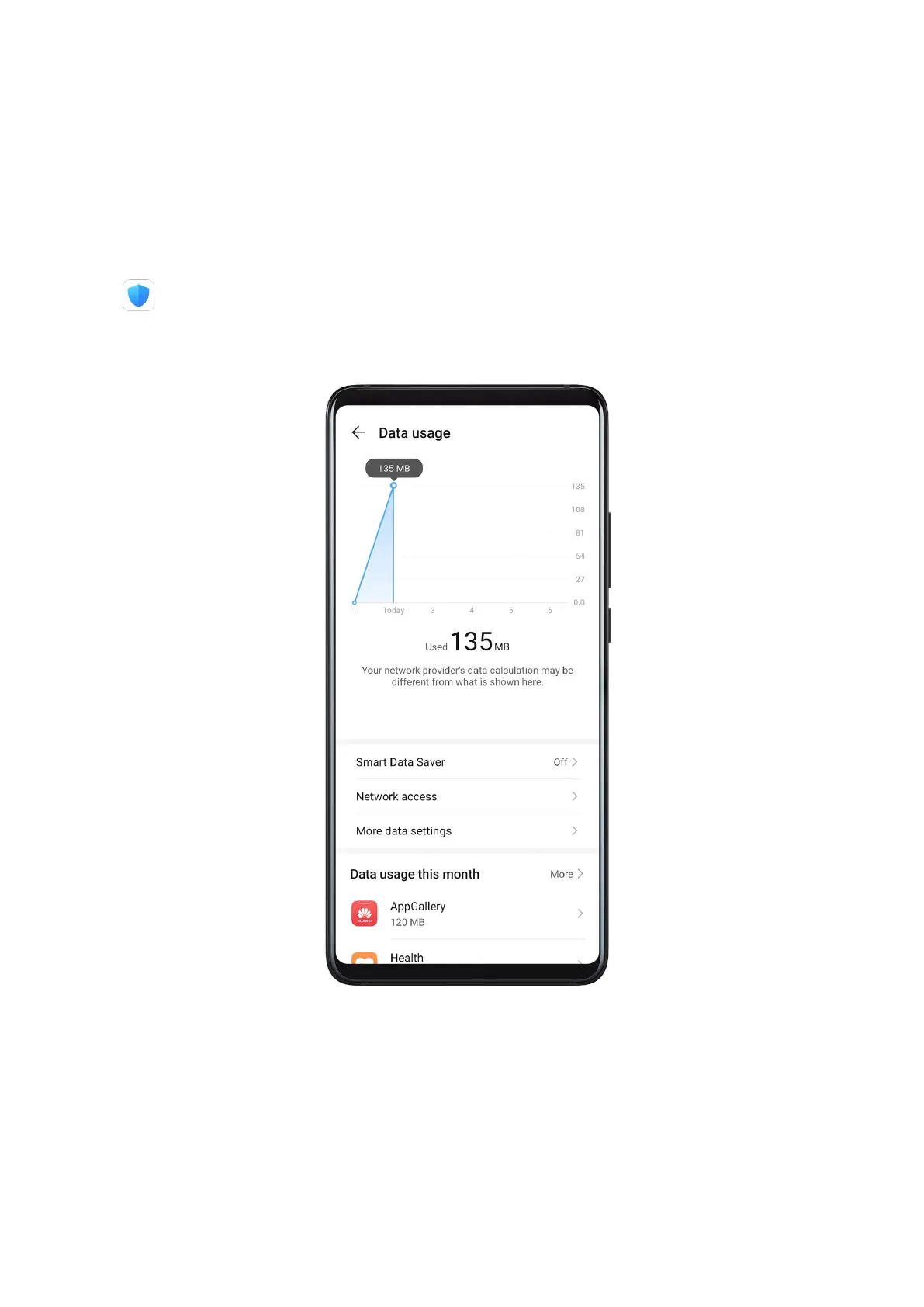
Manage Data Usage
Open
Optimiser, then touch Data usage to view data usage and manage network
access.
View and Manage High Data Consumption Apps
1 You can nd out how much data your apps are using in comparison to each other by
going to Data usage this month on the Data usage screen.
2 Touch a high data consumption app to set mobile data, roaming data, or background data
usage limits for it.
Apps
86



 To Next Page