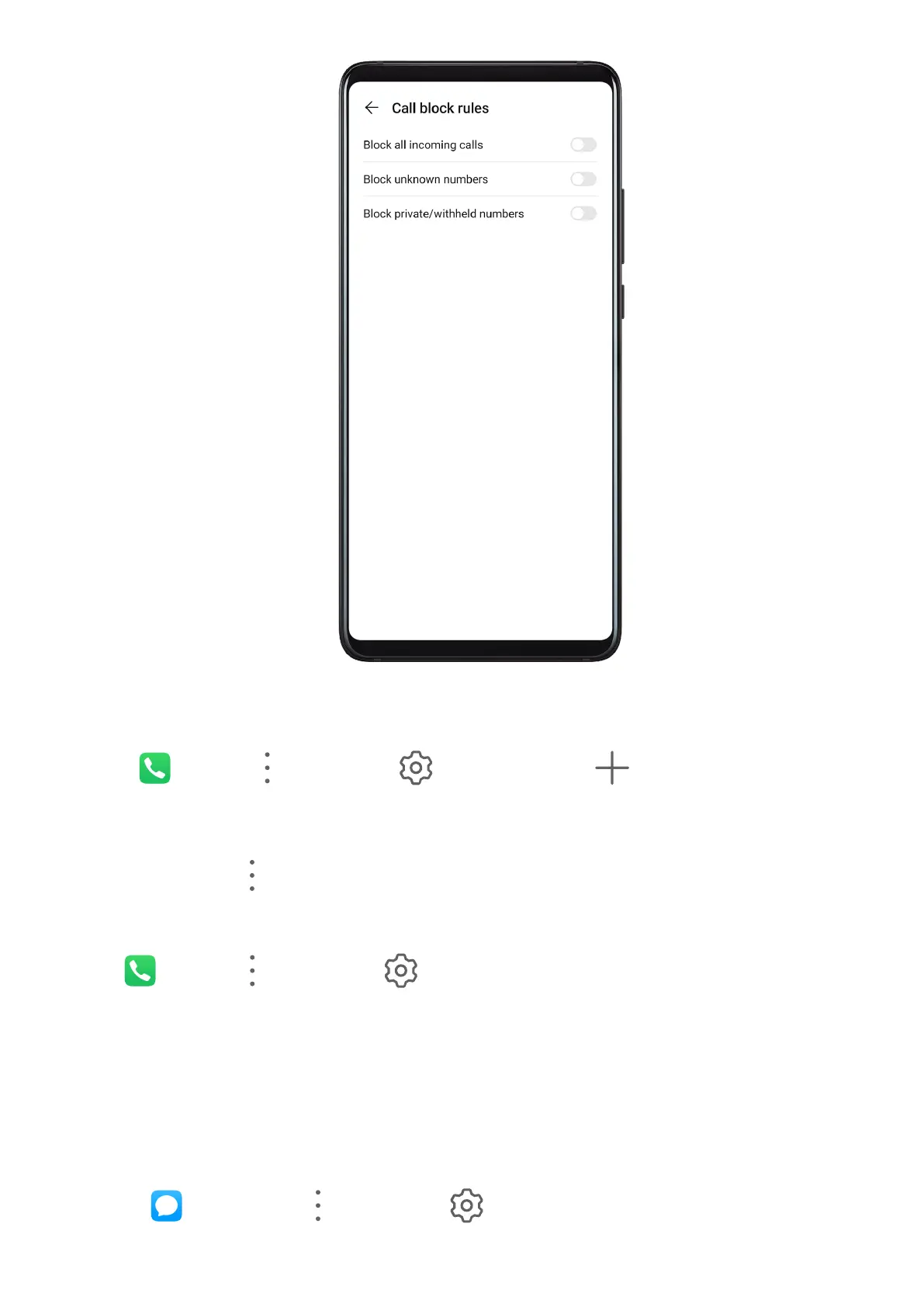
Block Incoming Calls from Specic Numbers
You can block incoming calls from specic numbers using either of the following methods:
• Go to
Phone > > Blocked > > Blocklist, touch , then add the phone
numbers you want to block.
• On the Phone screen, touch the Contacts tab at the bottom, touch the contact you want to
block, then go to > Block contact.
Set Whether to Receive Notications for Blocked Calls
Go to Phone > > Blocked > > Receive notications and set whether to receive
notications for blocked calls.
Filter and Block Spam Messages
Set dierent block rules, such as your blocklist, to block sales, fraud, and other kinds of spam
messages.
Block Messages from Specic Numbers
1 Go to
Messaging > > Blocked > > Blocklist.
Apps
88



 To Next Page