Personal Hotspot
Once Personal hotspot has been enabled, you can share your mobile data or the Wi-Fi
network your device is currently connected to with other devices.
Share Your Network Connection via Personal Hotspot
1 Go to Settings > Mobile network > Personal hotspot.
2 Set Device name and Password.
3 Enable Personal hotspot and your device will share your mobile data or the Wi-Fi
network you are currently connected to with other devices.
4 In the case of a Wi-Fi network, you can set the AP frequency band of the Wi-Fi hotspot.
Go to More > AP band and touch 2.4 GHz or 5 GHz.
5 In the case of mobile data, you can set a mobile data limit for a single session. Go to
More > Data limit and set the limit.
When this limit has been reached, your device will automatically disable the hotspot.
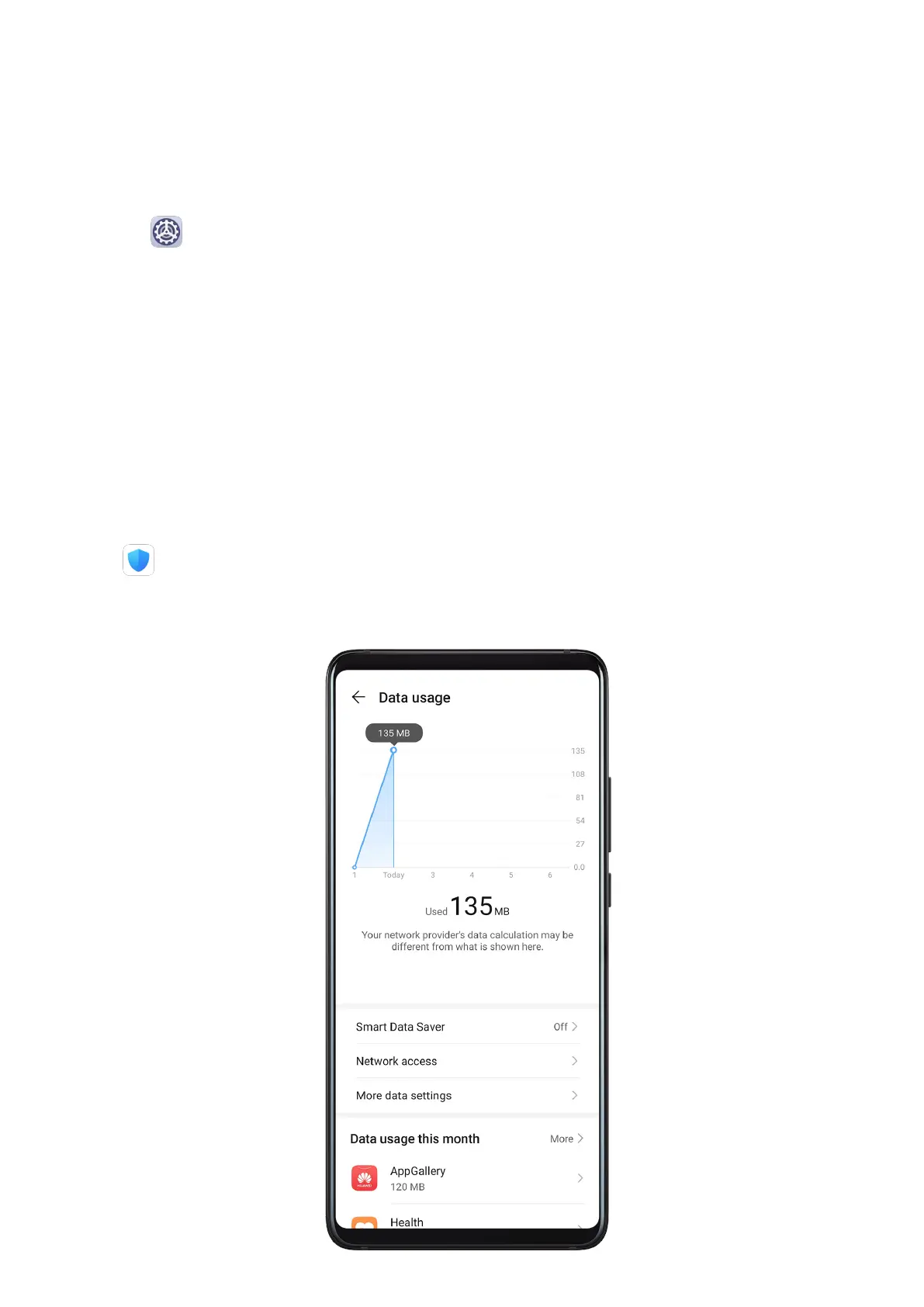
Manage Data Usage
Open Optimiser, then touch Data usage to view data usage and manage network
access.
Settings
96



 To Next Page