Smart wear detection
Smart wear detection description
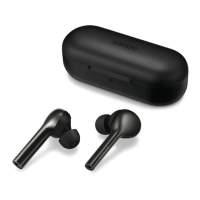
The phone/tablet can detect if the earbuds are being worn and automatically pause the music
or switch the audio device for the phone call.
After the earbuds are connected to your phone/tablet, you can enable or disable the Smart
wear detection function in two ways:
Method 1: Open the HONOR AI Space app, tap Settings and enable or disable Smart wear
detection.
Method 2: Turn on your Honor phone/tablet, go to Settings > Bluetooth > PAIRED DEVICES,
tap the button to the right of the earbuds name, go to More settings, and enable or
disable the Wear detection function.
Basic operations
9



 To Next Page