Pair and connect
Pair by Bluetooth
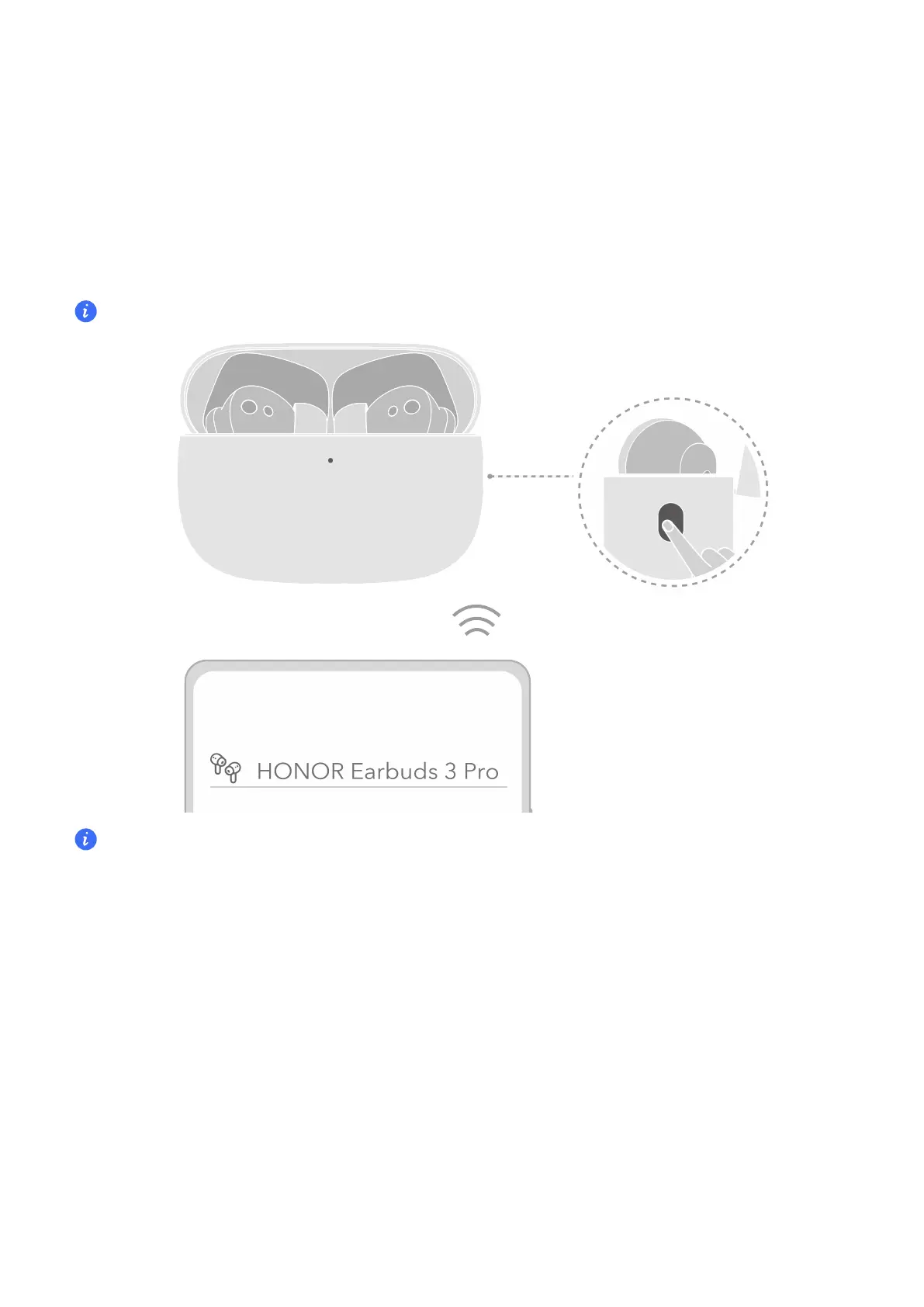
Pair and connection diagram
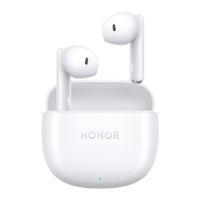
Rest the earbuds in the case, keep the lid open, and press the function button for 2 seconds.
White light blinking indicates the earbuds enter the pairing mode.
The rst time you open the case lid, the earbuds enter the pairing mode automatically.
Restore factory settings: Rest the earbuds in the case, keep the lid open, and press the function
button for 6 seconds. Red light blinking indicates the earbuds are restored to factory settings and
the earbuds re-enter the pairing mode.
Discover nearby earbuds
Discover and connect to nearby earbuds
Some phones/tablets (Magic UI 4.0 and above) can discover and connect to nearby earbuds
and view the power level.
1 Enable Bluetooth on the phone/tablet.
2 Turn on the earbuds/Open the lid of the case on the rst use, or enter the pairing mode.
3 Keep the lid open and bring the case close to the phone/tablet. A connection window will
appear. Follow the on-screen instructions to complete the connection.
6


 To Next Page