63
Tools
Searching for stations
1.
On the home screen, touch
Tools
> .
2.
Touch > to search for and save available stations.
Your phone will automatically search for and save stations the first time
you open the FM radio.
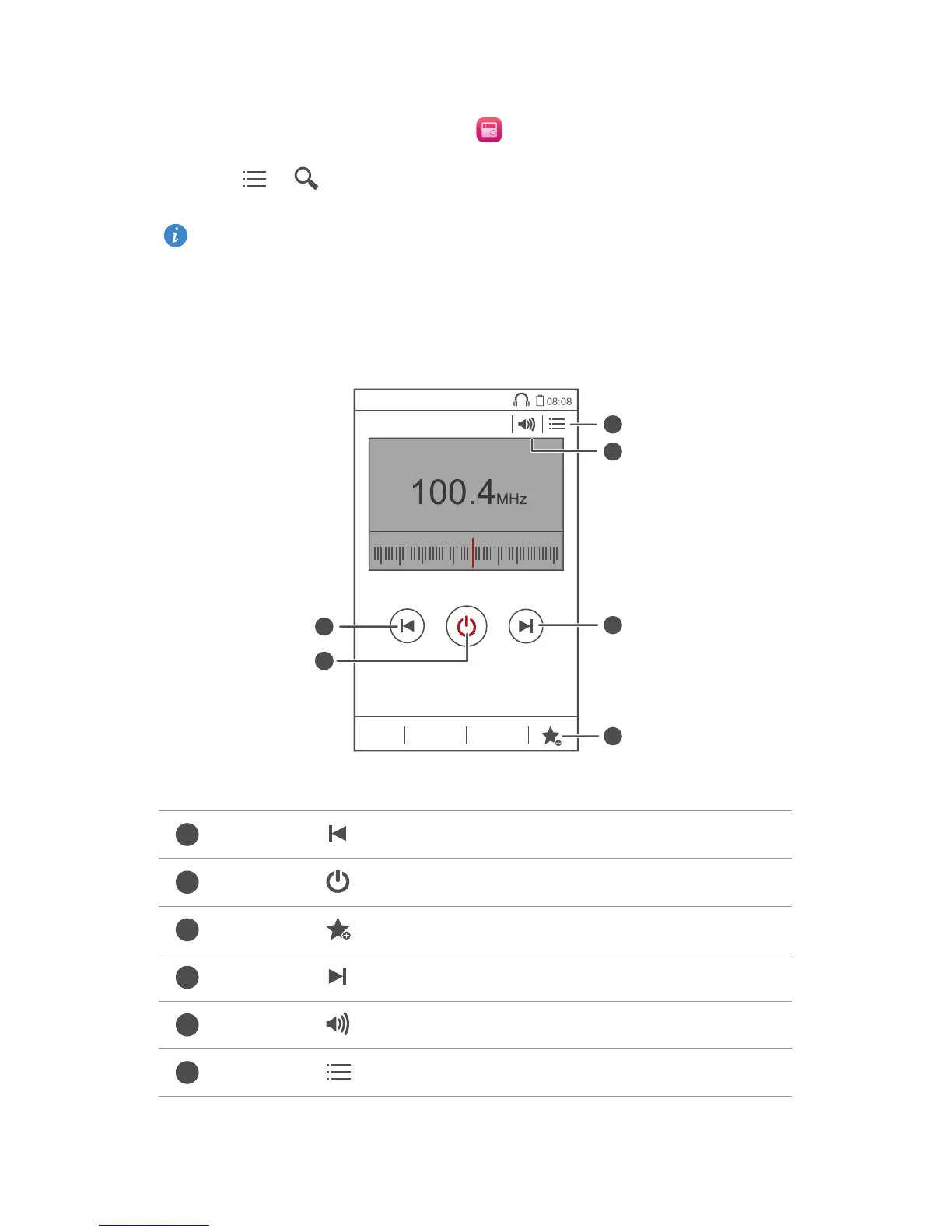
Listening to FM radio
Touch to return to the previous station.
Touch to turn on or off the FM radio.
Touch to add the current station to your favorites.
Touch to go to the next station.
Touch to enable or disable the speaker.
Touch to view the station list.



 To Next Page