Getting started
4
Charging the battery
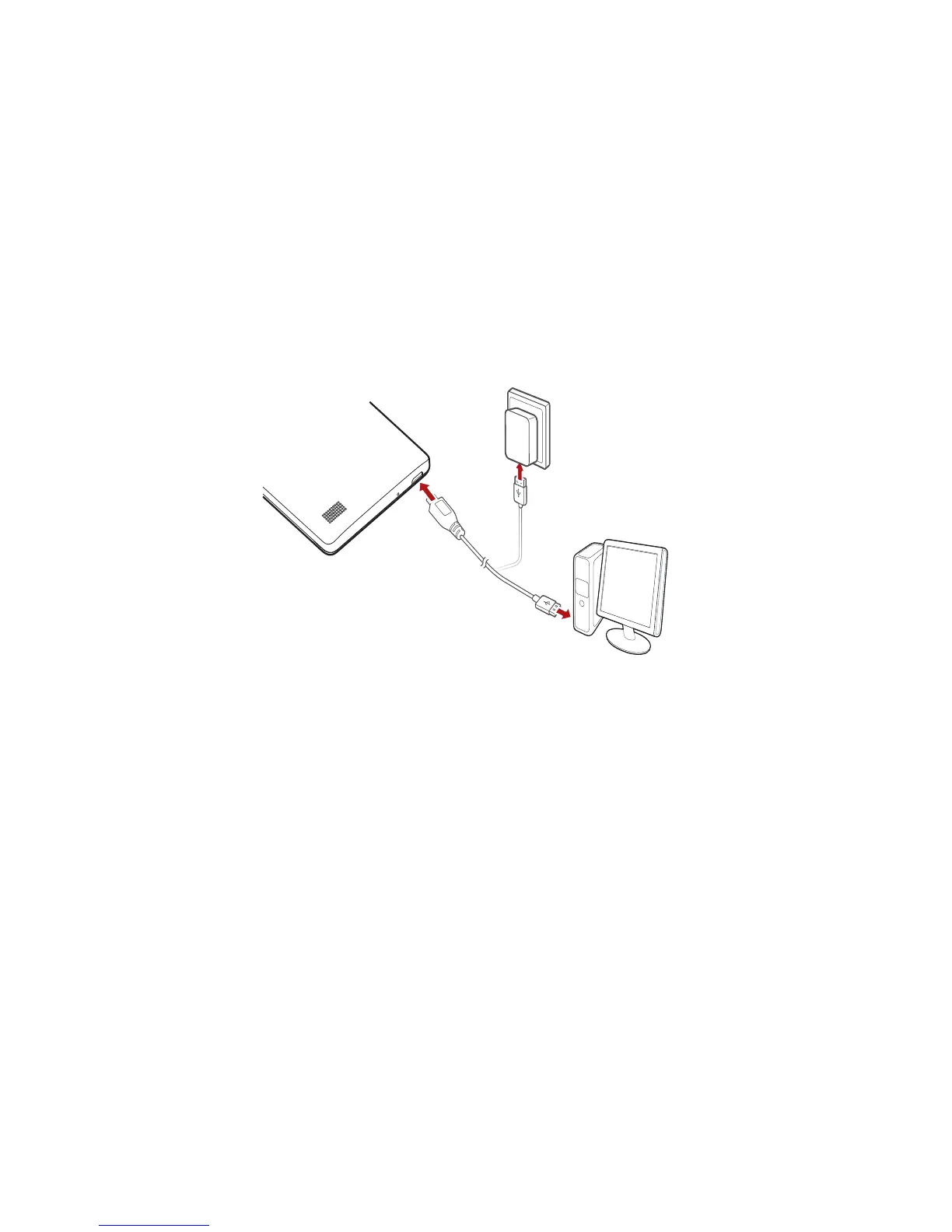
You can charge the phone in either of the following ways:
•
Use the provided USB cable and power adapter to connect your phone to a
power socket.
•
Use a USB cable to connect your phone to a computer, and touch
Charge
only
on the
USB connection methods
screen.
Battery indicator
The battery indicator shows your phone's battery level.
•
Blinking red: The battery level is lower than 10%.
•
Steady red (when charging): The battery level is lower than 10%.
•
Steady yellow (when charging): The battery level is higher than 10%.
•
Steady green (when charging): The battery is almost or already full.
Important information about the battery
•
Rechargeable batteries have a limited lifecycle and may eventually need to
be replaced. If you notice significantly reduced battery life, replace the
battery.



 To Next Page