Getting Started
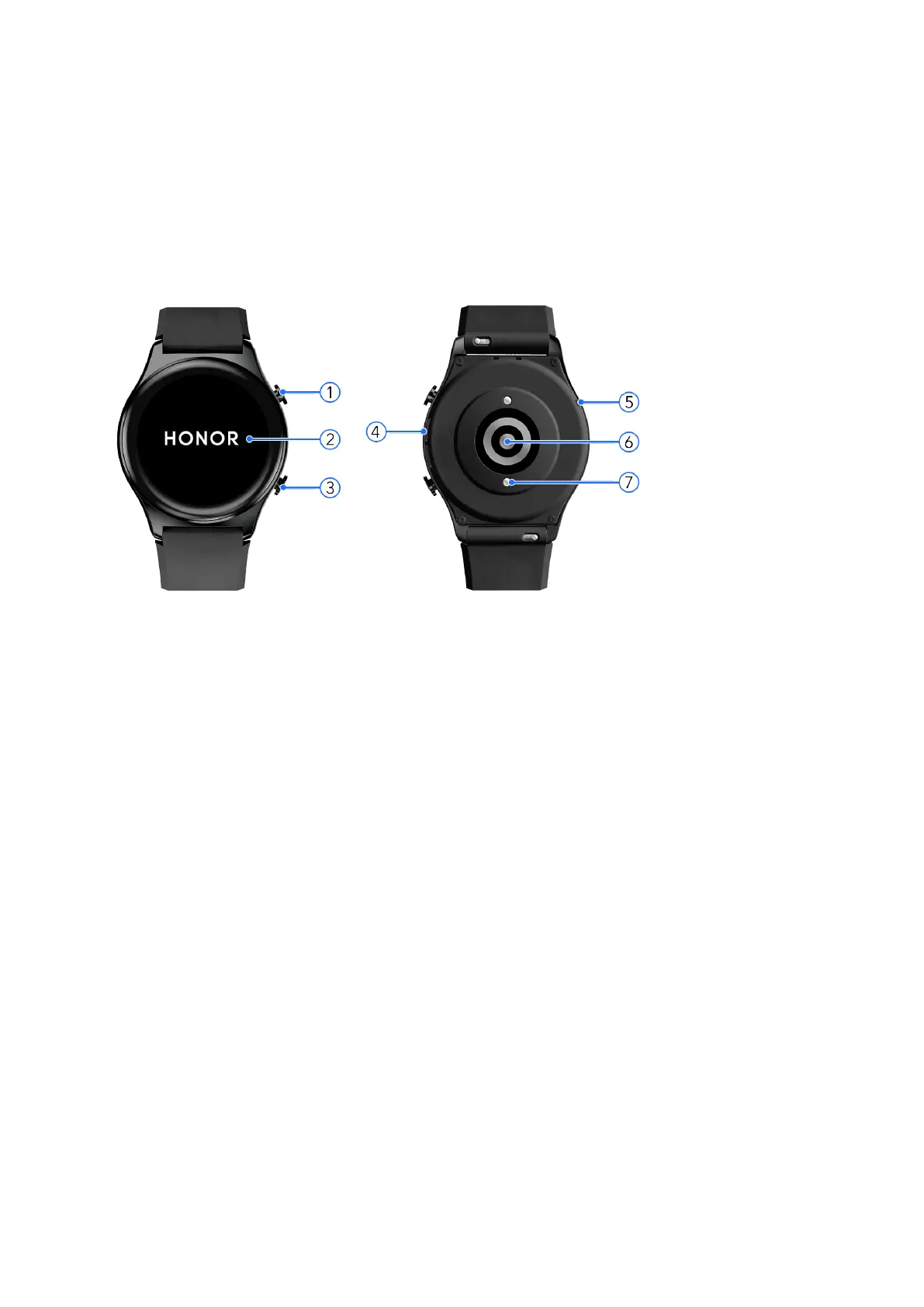
Appearance
The watch adopts a 3D curved glass lens, and a combination of pressable buttons, and a color
touchscreen. The color touchscreen provides a broader eld of view.
Number Describe
1 Up button
2 Screen
3 Down button
4 Speaker
5 Microphone
6 Monitoring unit area
7 Charging area
Wearing the watch
Attach the heart rate monitoring area of your watch on the top of your wrist, as shown in the
following gure. To ensure the accuracy of heart rate measurement, wear your watch correctly
for greater comfort and do not wear it above the joint in your wrist.
1



 To Next Page