Pairing your watch with your phone
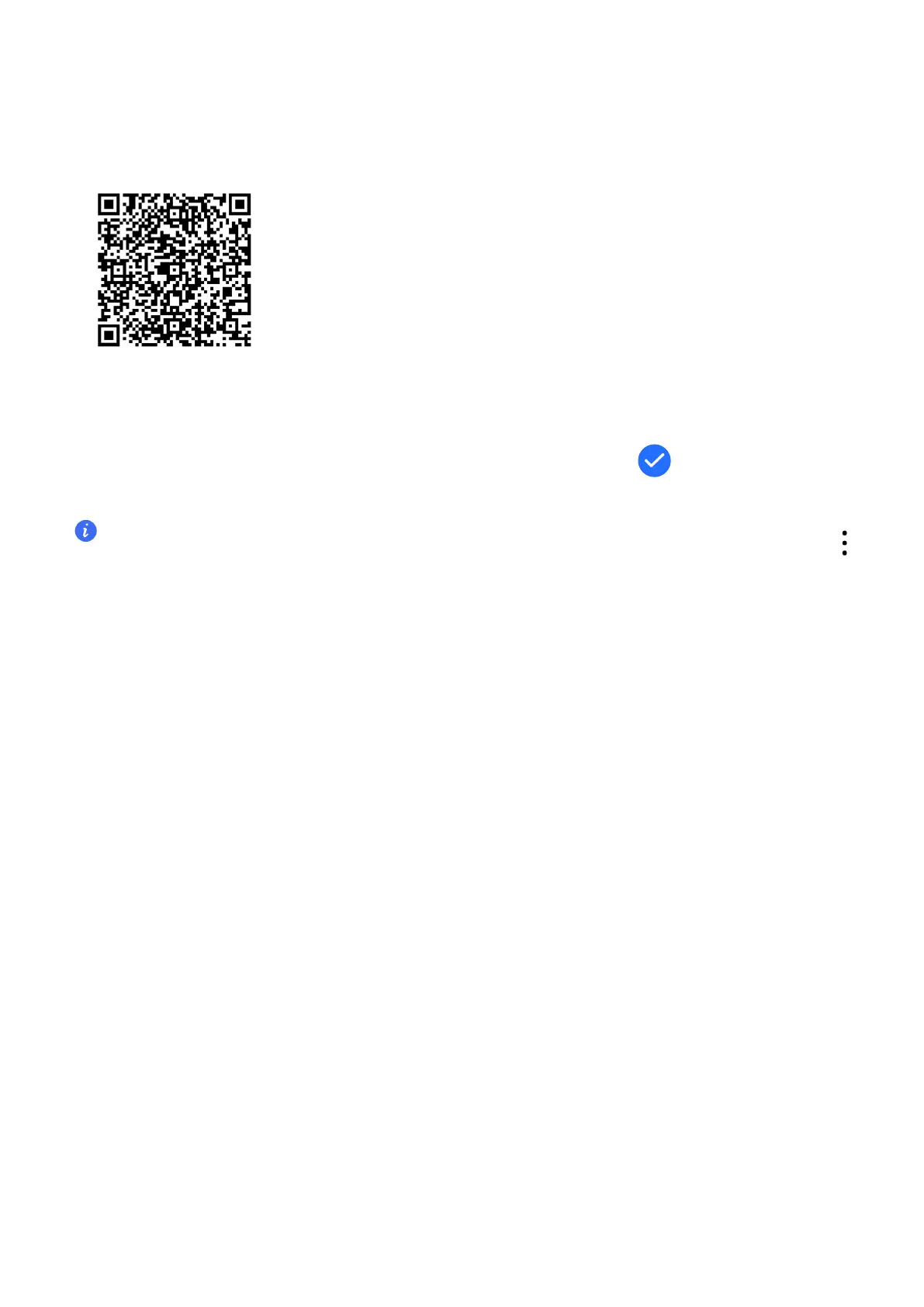
1 The watch is ready to be paired via Bluetooth by default. To download and install the
Health app, please scan the QR code.
2
Open the Health app and go to Device > Add device, and the app will automatically
search for nearby available Bluetooth devices. Once your watch is found, touch its name to
start pairing.
3 When a pairing request is displayed on the watch screen, touch to pair your watch and
phone. Conrm the pairing on your phone as well.
• If the target watch is not in the list of devices that can be connected to automatically, touch
> Scan to scan the QR code on the watch screen, and follow the onscreen instructions to nish
pairing.
• Your watch will display an icon on the screen to inform you that pairing was successful. If the
paring failed, your watch screen will display an icon to inform you that pairing was unsuccessful.
It will then return to the startup screen.
Buttons and gestures
Buttons
Operation
Function
Press the Up button • Wake device screen when the screen is o.
• Access the app list screen from the home screen.
• Return to the home screen.
Press and hold the Up
button
• Power on your watch when the watch is o.
• Access the restart/power o screen when the watch is on.
Press the Down button • Open the workout app.
• Access the customized feature you set.
Getting Started
3


 To Next Page