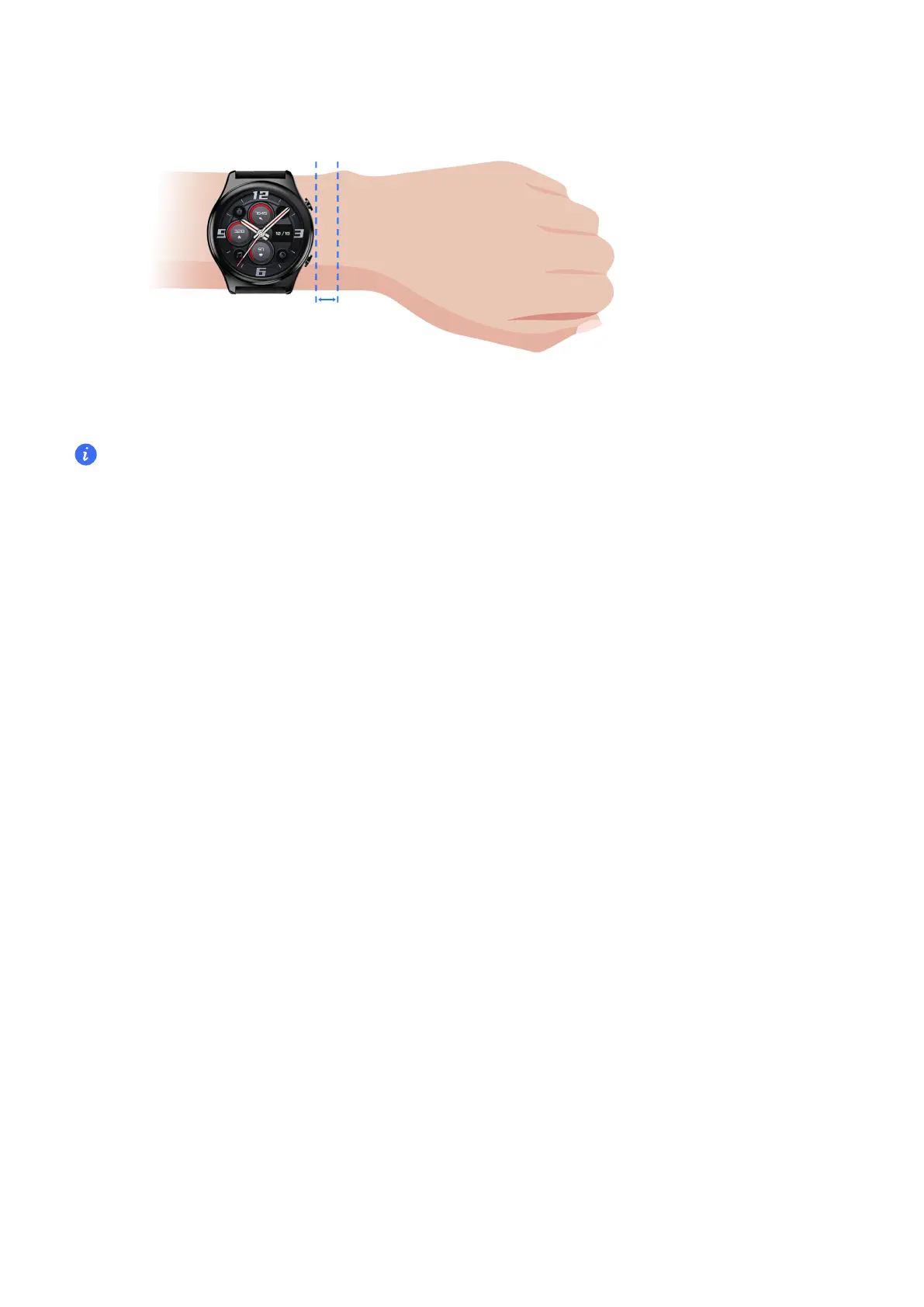
• Your watch uses non-toxic materials that have passed strict skin allergy tests. Please rest
reassured when wearing wear it. If you experience skin discomfort when wearing the watch,
take it o and consult a doctor.
• Do not wear it too loosely or too tightly but make sure that your watch is attached securely on
your wrist.
Powering on and powering o and restarting the watch
Powering on the watch
• When the watch is powered o, press and hold the Up button to power on the watch.
• When the watch is powered o, the watch will automatically power on if you charge it.
Powering o the watch
•
When the watch is powered on, press and hold the Up button, and then touch Power o.
• When the watch is powered on, press the Up button while on the home screen, swipe up or
down until you nd Settings, touch it, go to System > Power o.
• If the battery level is critically low, the watch will vibrate and then automatically power o.
Restarting the watch
• When the watch is powered on, press and hold the Up button, and then touch Restart.
• When the watch is powered on, from the home screen press the Up button, swipe until you
nd Settings, touch it, go to System > Restart.
Force restarting the watch
Press and hold the Up button for at least 16 seconds to force restart the watch.
Getting Started
2



 To Next Page