Adjust the Position of Shortcut Switches to Your Liking
Adjust the positions of the shortcut switches to put the ones you use regularly at the top.
Swipe down from the status bar, open the shortcuts panel, and touch . From the shortcuts panel,
you can:
Rearrange shortcut switches: Touch and hold a shortcut switch and then drag the icon to a
position of your choice.
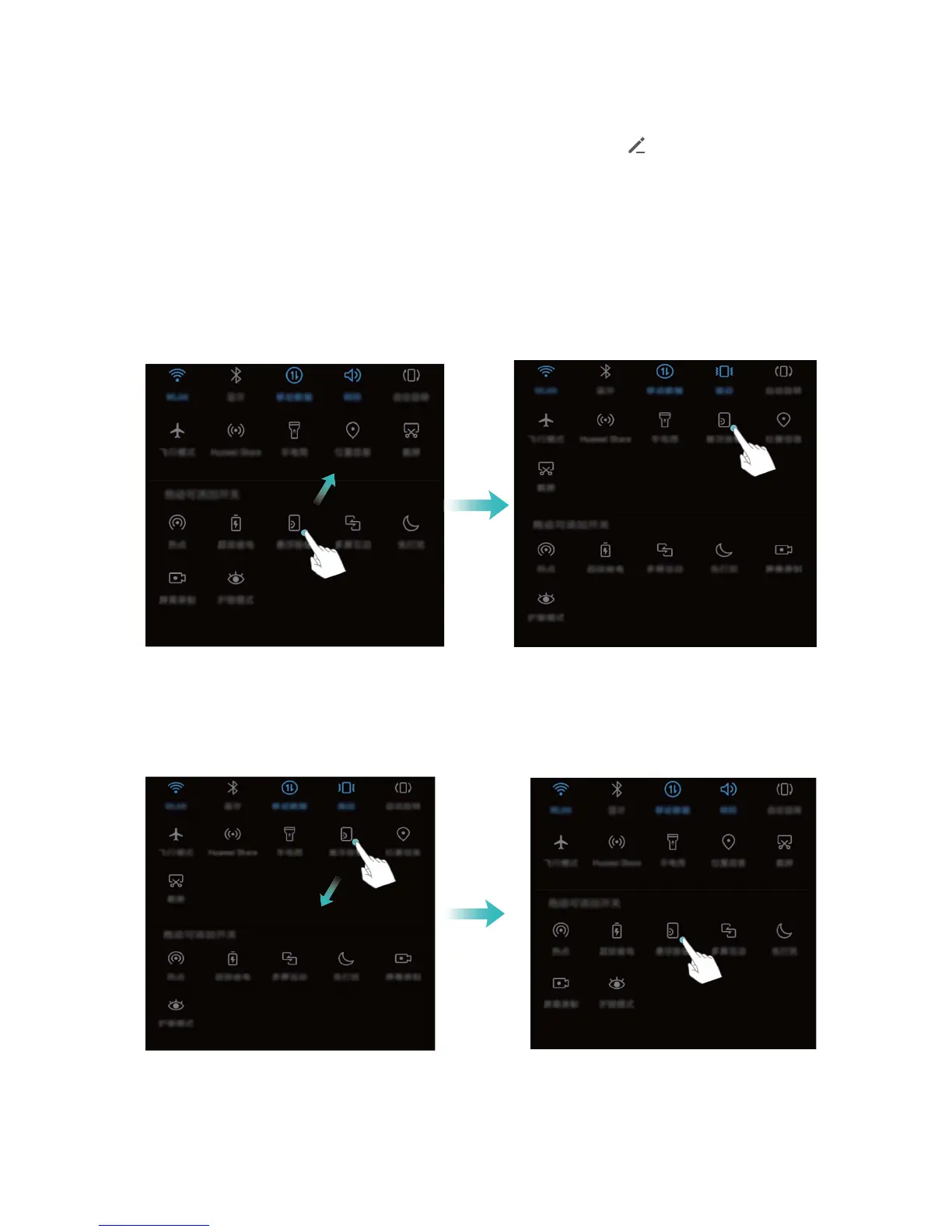
Add a shortcut switch: Drag a shortcut switch from the hidden area of the panel to the displayed
area, then touch BACK.
Delete shortcut switches: Drag a shortcut switch from the displayed area of the panel to the hidden
area, then touch BACK.
Home Screen
21



 To Next Page