Notication and Status Bar
Open the Notication Panel to Get Important Information
Want to ensure that you do not miss out on any important notications? From your Phone's status
bar, you can view real time notication information and your device's operating status.
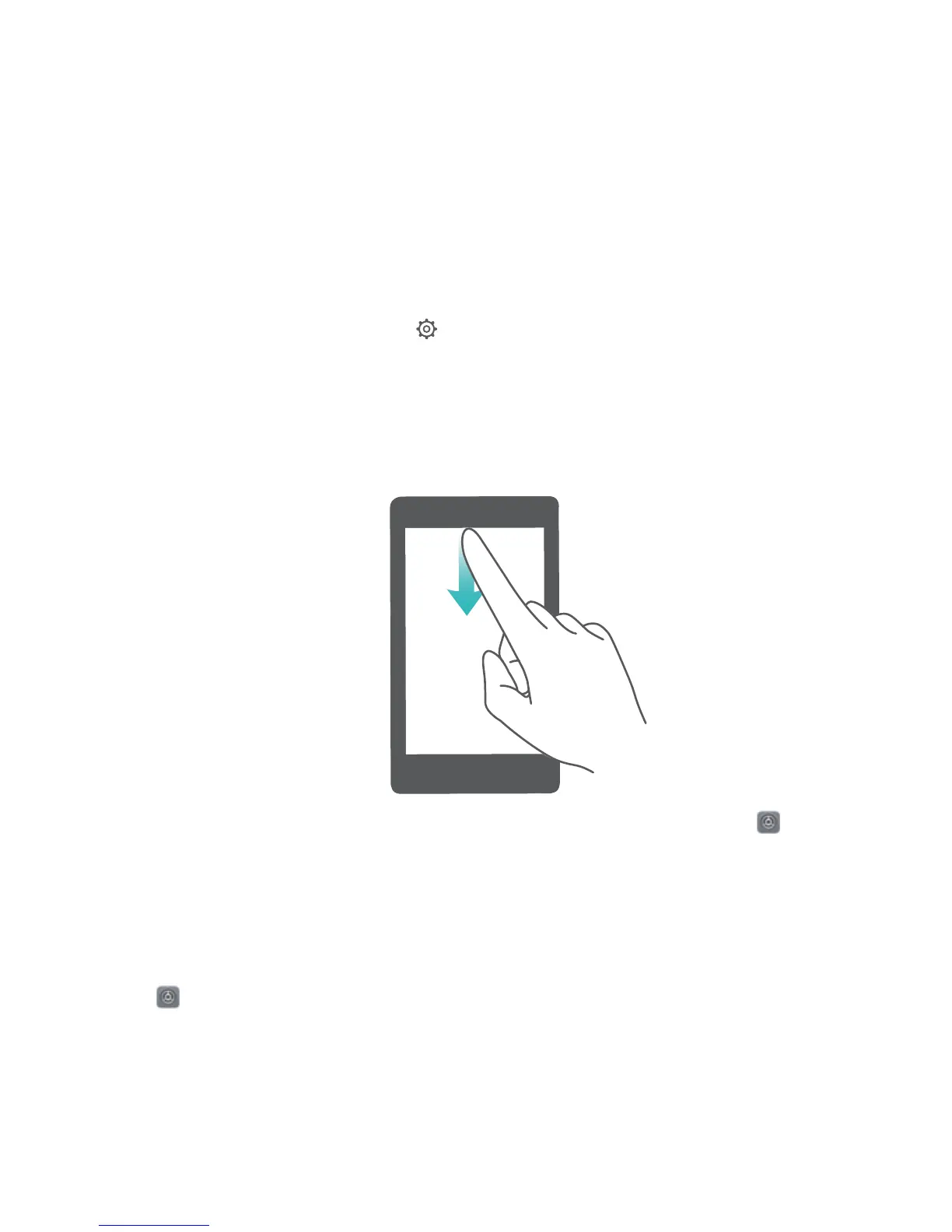
When there is a notication reminder, you can turn on the screen and swipe down from the status bar
to view the notication. You can access notication and status bar settings in the following ways:
l Access notication and status bar settings when the screen is locked: Turn on the screen and
swipe down from the status bar, touch , enter your password, and then go to Apps &
notications > Notications & status bar > Notication method.
l Access notication and status bar settings when the screen is unlocked: Go to Settings
and then go to Apps & notications > Notications & status bar > Notication method.
Disable Disruptive App
Notications
Find it annoying to receive so many different types of app notications? You can set and disable app
notications to prevent this from happening.
Go to Settings, then go to Apps & notications > Notications management. From here,
you can disable all app notications. You can also select a particular app and disable its notications
by conguring the app's settings.
Home Screen
22



 To Next Page