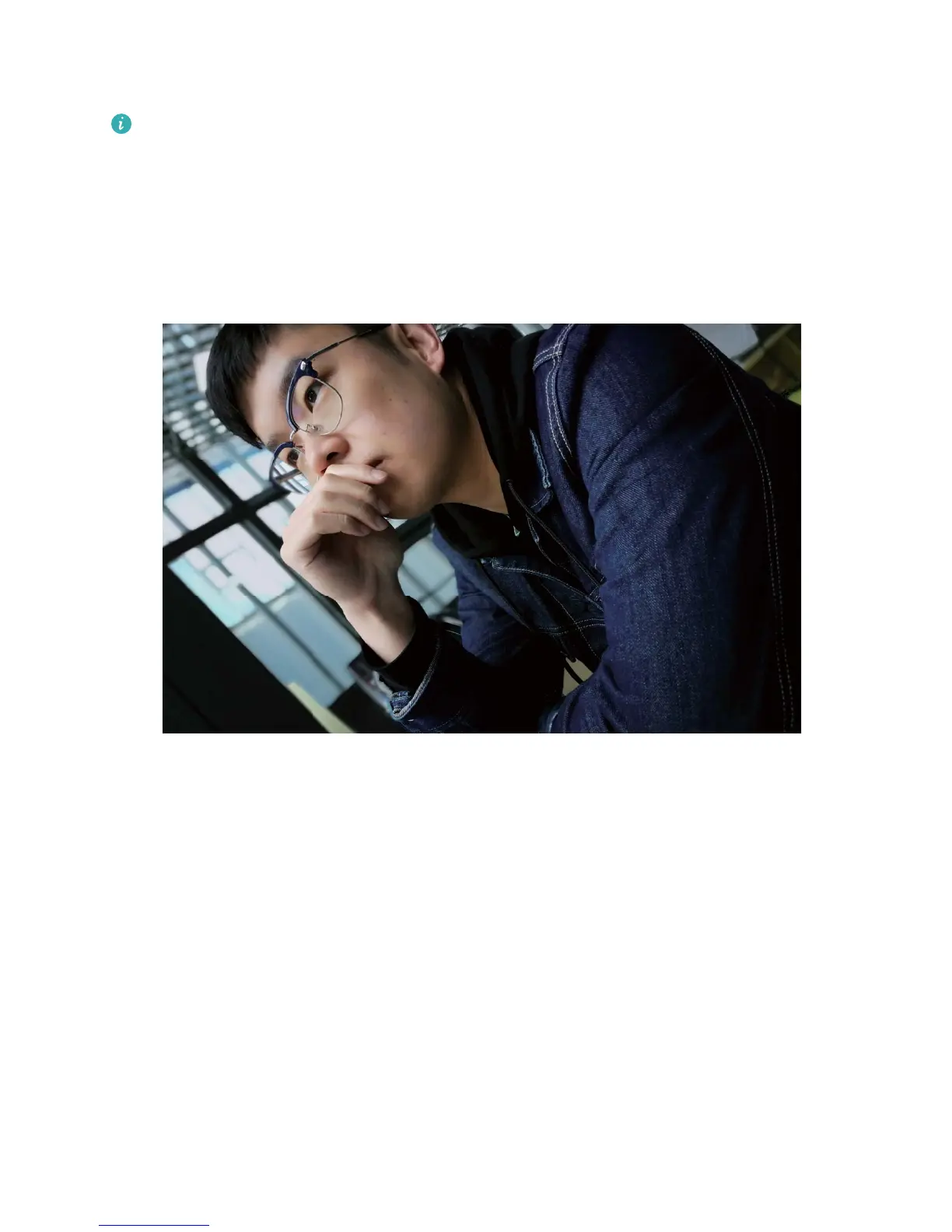
Focus: For portrait shots, it is recommended that you select Manual Focus (MF) mode. Touch the part
of the photo that you want to isolate with the focus (such as a face) and then capture your shot.
l In Pro camera mode, when one setting is changed, other settings may also change
automatically.
l The above settings are guidelines only. For optimal results, adjust camera settings according to
the actual shooting conditions.
Beautication
Use Portrait Mode to Capture Stunning Portraits
Want to always look your best in your seles? Portrait mode lets you congure different beautication
settings and create an information database for custom beautication.
l Portrait mode: Enable Portrait mode to automatically apply beautication effects to everyone in
the frame.
l Perfect sele: Enable Perfect sele and your Phone will create a custom beauty plan for you. The
higher the beautication level, the more pronounced the effects.
Use Portrait Mode to Take Stunning Portraits
Want to make your seles or group shots even more beautiful? Portrait Mode provides you with
customized options to make every photo beautiful and forever-lasting.
Camera
56



 To Next Page