Utilities
Smart Remote
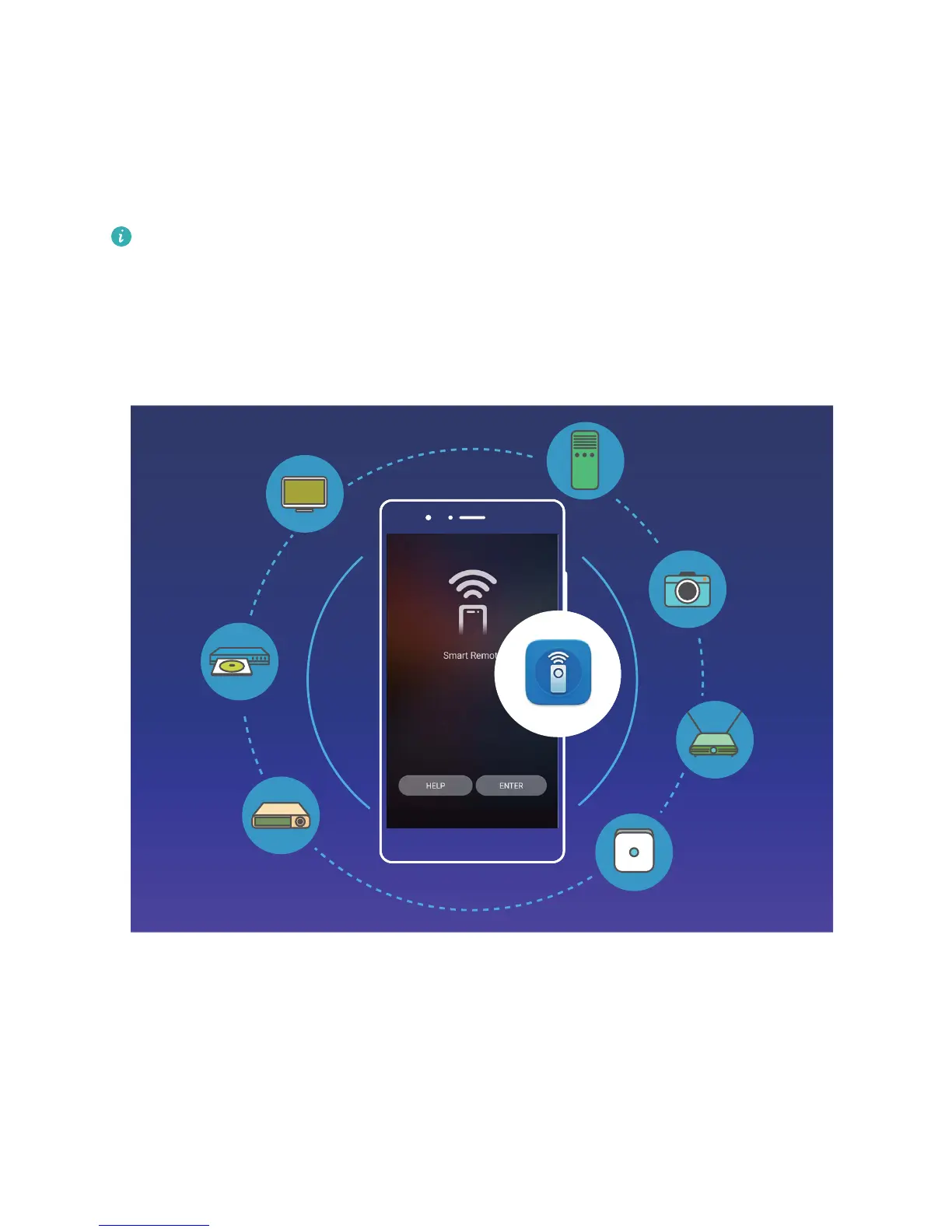
Smart Remote: Control Your Home Electronics with Your Phone
l The Smart Remote can be used with home electronics that have accompanying infrared
remotes. It does not work with devices that use Bluetooth or other non-infrared remote
controls.
l There is no unied industry standard for infrared codes. This means the Smart Remote may not
be able to control some home electronics.
l Turn your phone into a universal remote control: Add your home electronics to the Smart
Remote and you won't have to worry about misplacing remotes any more. The remote control
buttons can be customized to t your own preferences so the remote is easier to use.
l Use your phone as a remote control for your camera: Take better group photos by using your
phone as a remote control for your camera. Smart Remote helps you to get the best shot and
capture natural expressions when taking photos.
82



 To Next Page