Some carriers may not support this feature.
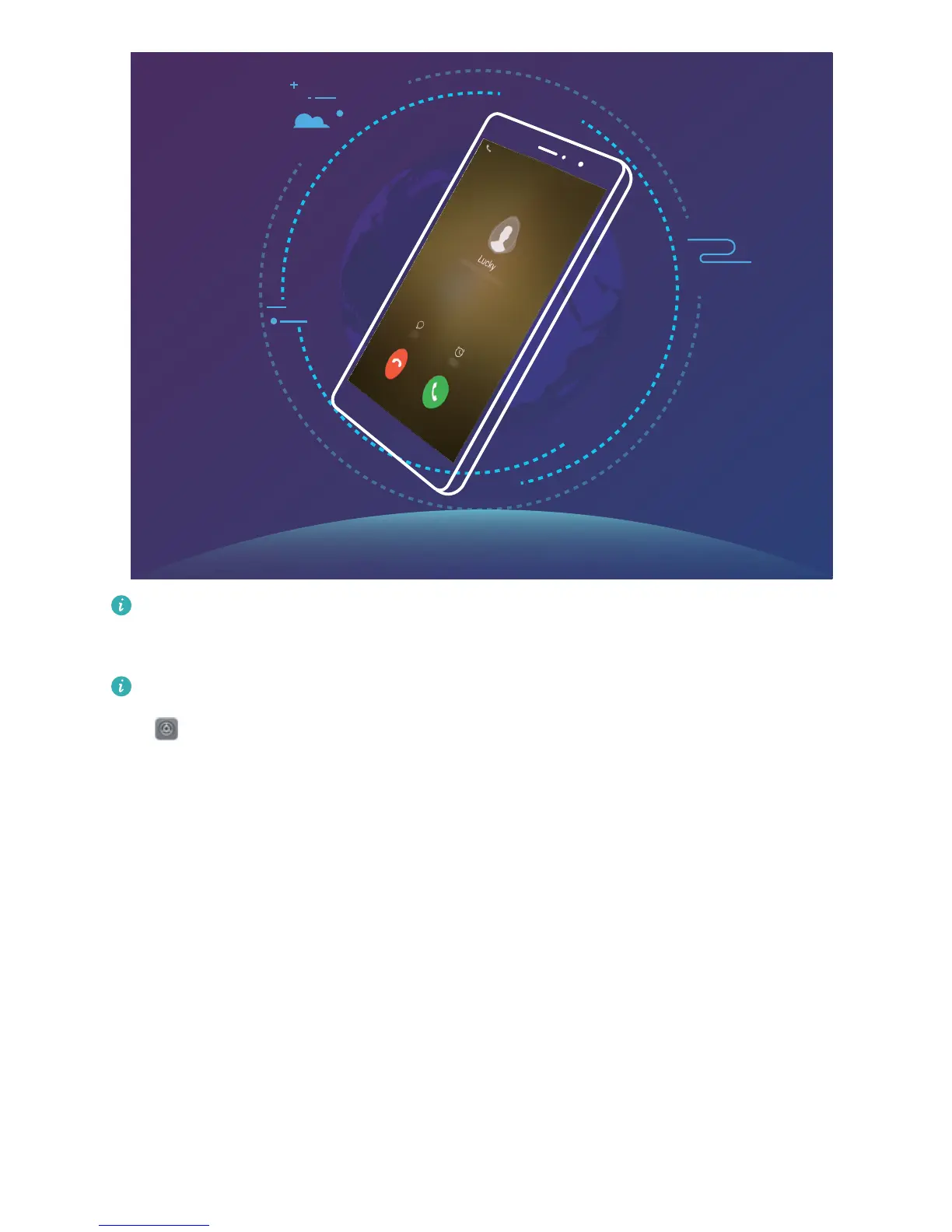
Enable VoLTE to Enjoy HD Calls
Only dual-SIM Phones support both SIM card slots enabling 4G, VoLTE, and VoWiFi.
Open Settings, and go to Wireless & networks > Mobile network. In the settings section for
SIM 1 or 2 (if supported by your carrier network), you can:
l Enable 4G: Turn on Enable 4G. Due to carrier customization, there may not be a 4G switch on
your Phone. This indicates 4G is already enabled and does not need to be turned on manually.
l Enable VoLTE calling: Turn on VoLTE calls.
l Enable Wi-Fi calling: Turn on Wi-Fi calling.
Dialing
39



 To Next Page