l Off: Disable ash.
l On: Enable ash.
l Always on: Flash is always on while you are in the viewnder.
Enable geolocation: Records your geographic location when you take a picture to allow you to
search through your pictures by location. From the viewnder, swipe left to enter the settings menu
and enable GPS tag.
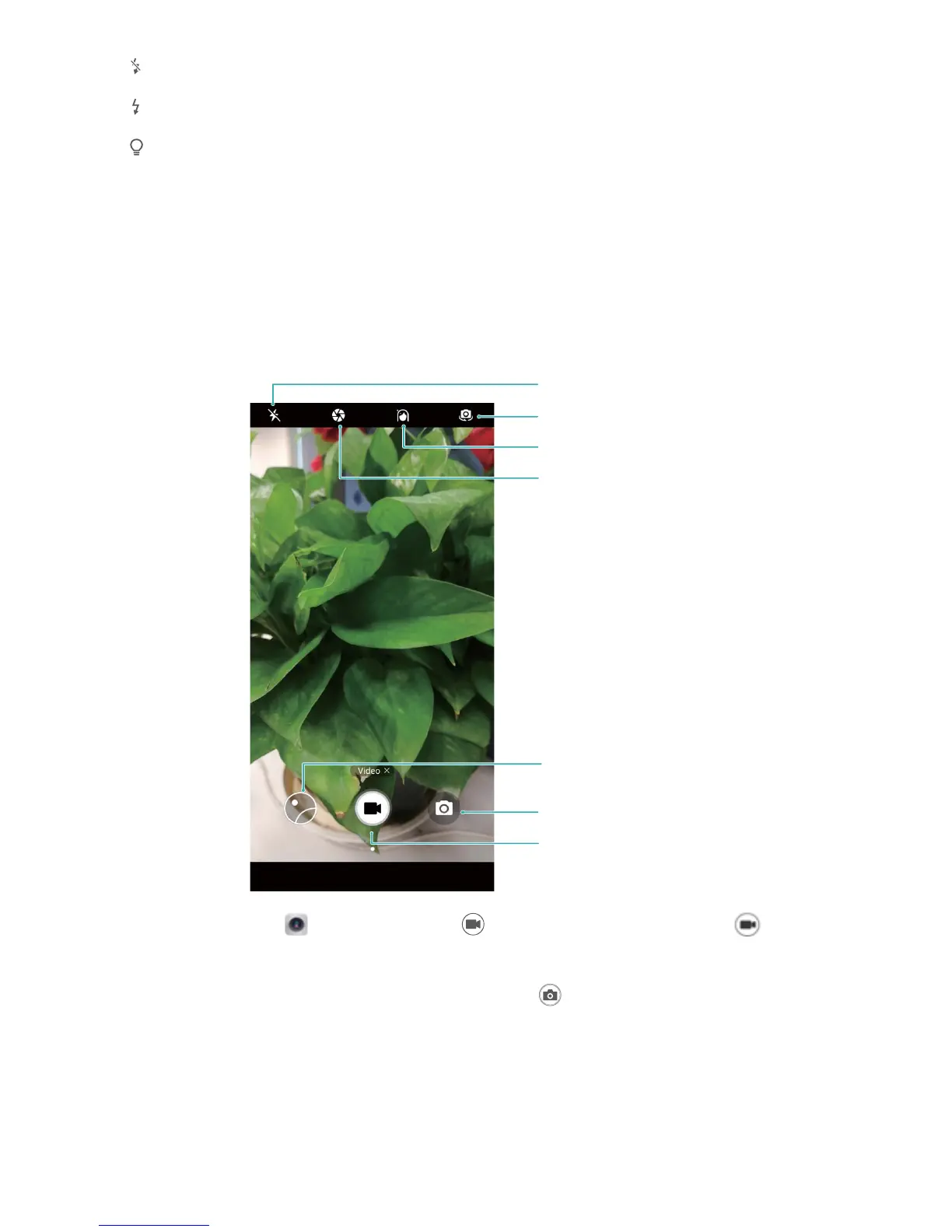
Use Camera to Record Videos
Besides taking pictures, you can also use the camera to capture high resolution videos with sound.
Record a video: Open Camera and touch to switch to video mode. Touch to start
recording a video.
Take a picture while recording a video: You can touch when recording a video to take a
picture.
Zoom your camera in or out: From the viewnder, touch the screen with two ngers and pinch
them together to zoom in or move them apart to zoom out. If you zoom in beyond your camera's
optical zoom limit, the image quality will decrease. After you touch the screen with two ngers and
zoom in or out, a zoom bar will appear on the screen, which you can also use to zoom your camera in
or out.
Camera
43



 To Next Page