Query weather: Open Calendar, and touch the event from the image or calendar to view the
weather on that day.
Check conference participants: Open Calendar, and touch the conference reminder to view
the participants.
Change calendar: Open Calendar and go to > Settings > Alternate calendars to switch
to the calendar of another country. The calendar of the country will then be displayed on the lock
screen and the window of the smart cover.
Import To-Dos to Keep Your Work Organized
Many to-dos cannot be handled in time. What can I do if I forget to handle them? Import each to-do
item to Calendar for easy reference and you will not miss any important events.
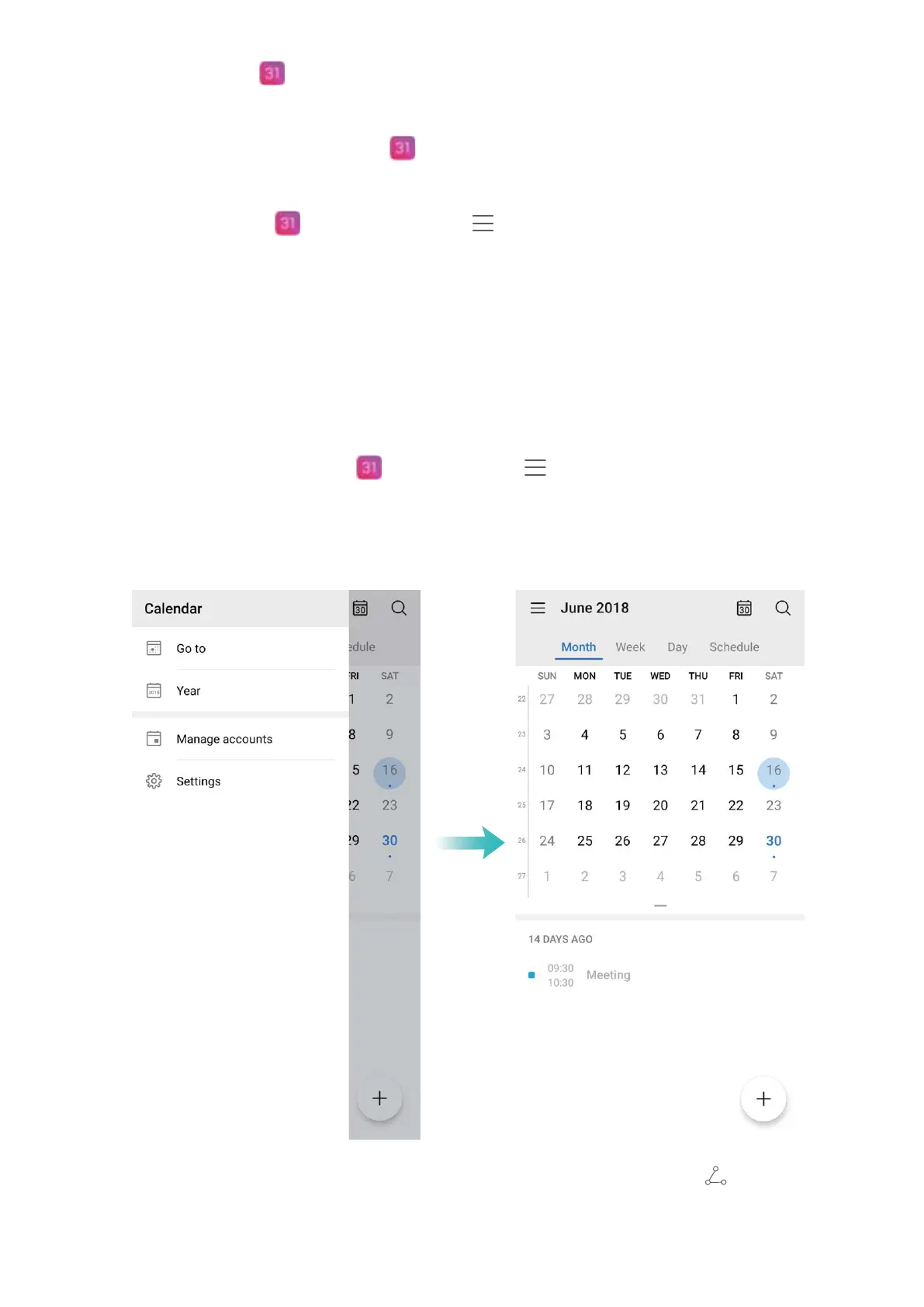
Import meeting reminders: Open Calendar, go to > Manage accounts > Add account,
and follow the onscreen prompts to add your work emails (Exchange account) to the calendar to
check meeting reminders.
Share an event: Touch an event on the calendar or under schedule, then touch and follow the
onscreen prompts to share the event using any of the multiple methods.
Calendar
69



 To Next Page