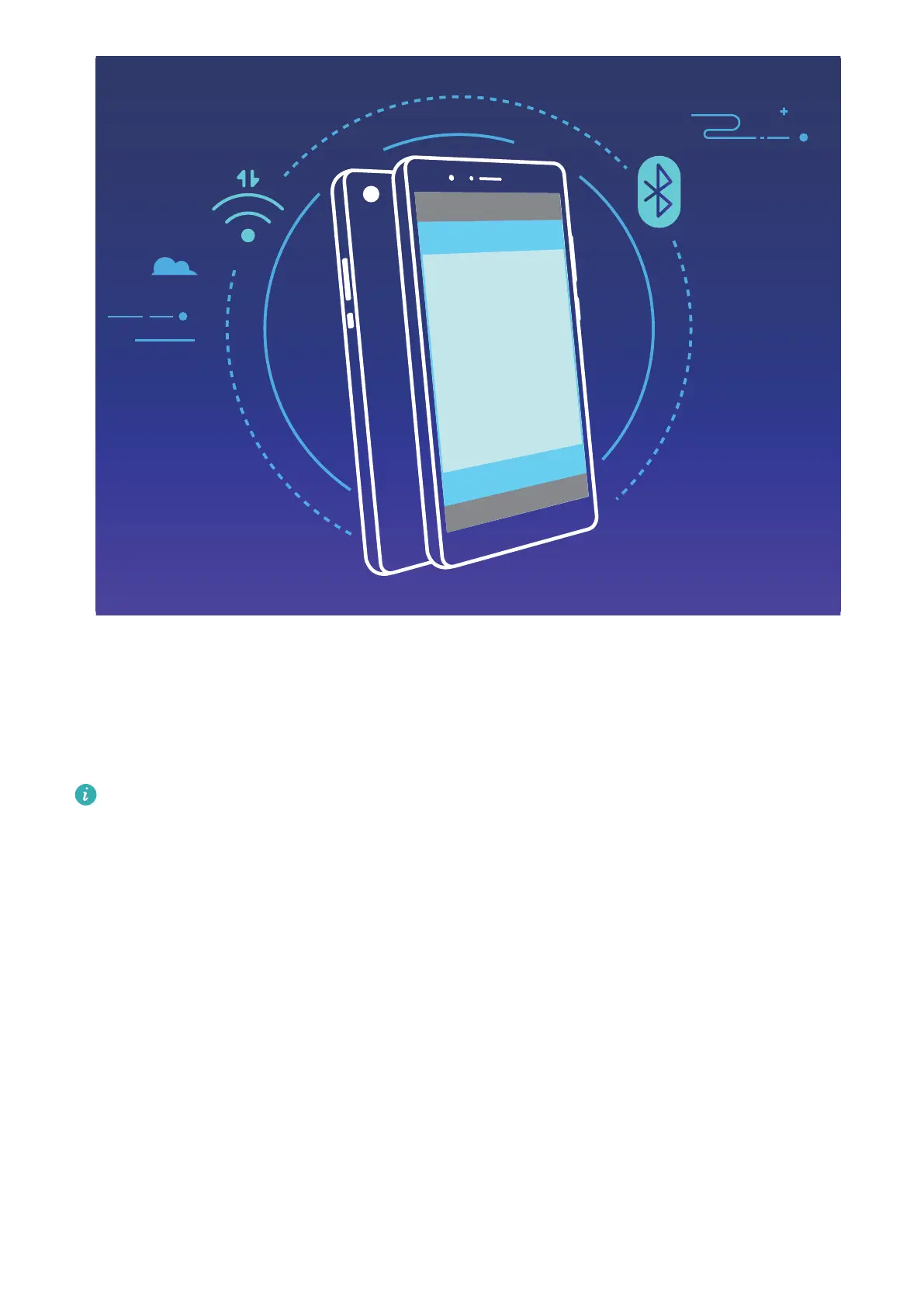
Using Bluetooth pairing as an example, enable NFC, Huawei Beam, and Bluetooth on both devices.
Open the Bluetooth pairing screen on both devices and place the NFC detection areas of devices close
together. When the sending device plays an audio prompt and content on the screen shrinks, follow
the onscreen instructions and touch the screen on the sending device to establish a Bluetooth
connection
If there is a Read and write/P2P switch on the NFC screen, ensure it is also enabled. Features
may vary depending on your carrier.
Desktop Mode
Connect Your Phone to an External Display for PC-Like Functionality
Carrying your computer from home to the ofce and then back again every day can be tiring.
Wouldn't it be great if you could just use your Phone instead? You can connect your Phone to an
external display using a conversion cable (such as a Type-C to HDMI cable) or through Wireless
projection, and then combine all the benets of a desktop computer, with the convenience of a
Phone.
Connecting your Phone to an external display gives you the following benets:
l Privacy protection: Notications, incoming calls, and chat messages will only be displayed as red
dots on the notication panel of the device and not on the external display, preventing potential
embarrassment.
Device Connection
82



 To Next Page