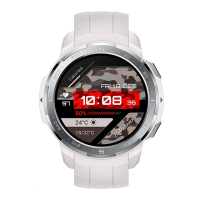
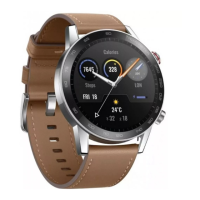
• watch is crafted from professional, health-safe materials and has undergone rigorous
skin allergy testing. You can wear it If you experience while wearing
the product, discontinue use and consult a physician.
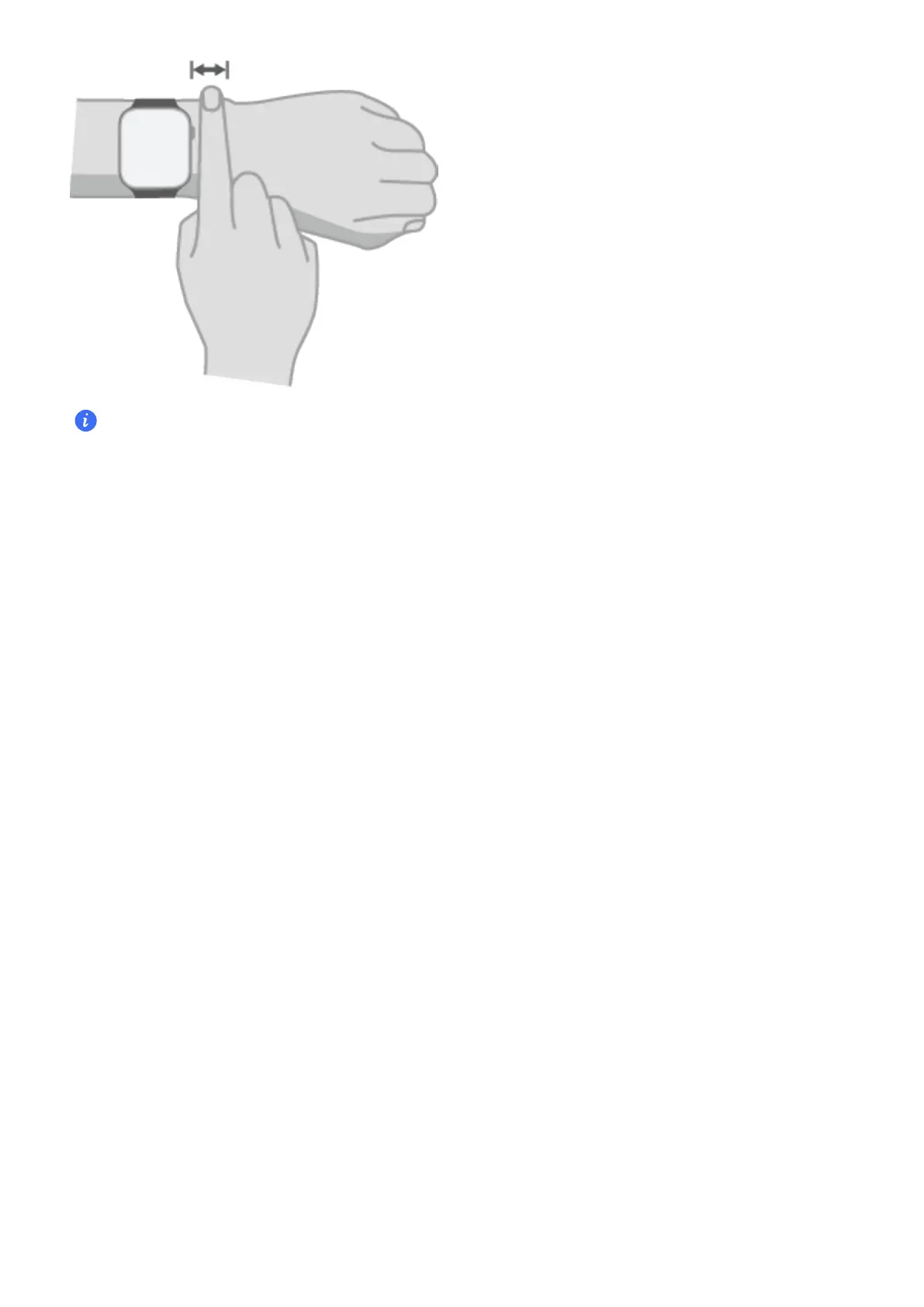
• For the best monitoring results, wear the watch just above the wrist bone. Ensure there's at
least a gap between the watch and your wrist joint, not too tight or too loose.
should be more secure during physical activities to prevent movement.
Power On/O and Resta
Power on
•
Long press the button to power the device on.
•
Auto power on when plugged in.
Power o
• Long press the button and tap Power o on the screen.
• Press the button and select Settings > System > Power o.
• Auto power after ultra-low vibration
Resta
• Long press the button and tap Resta on the screen.
• Press the button and select Settings > System > Resta.
Force resta
Long press the button until your watch
Gesture Control on Screen
device operations of tapping, swiping up, swiping down, swiping left, swiping
right, long pressing, etc.
Get Familiar
2


 To Next Page