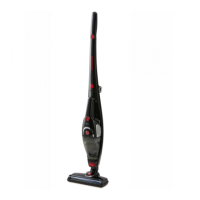
IMPORTANT! Turn off the cleaner and remove the battery before conducting any
maintenance tasks. It is recommended to clean the dust canister after each use
or when dust is up to the max fill line.
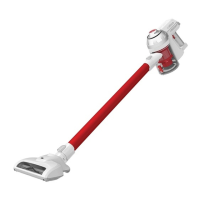
Emptying the dust canister
Press the dust release button to open the bottom cover
to empty the dust canister.
1. Press the canister release button, while also pulling the canister away in an downwards and
outward direction.
2. To remove the mesh filter, turn the filter to the clockwise direction to unlock the filter and it can be
pulled out from the cleaner.
3. To remove the cyclone separator, turn to the cyclone separator to the clockwise direction to
unlock the separator and it can be pulled out from the cleaner.
Cleaning the dust canister and filters


 To Next Page
 Loading...