43
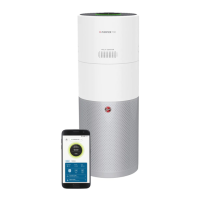
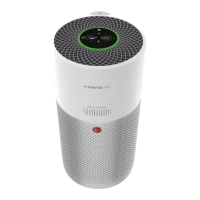
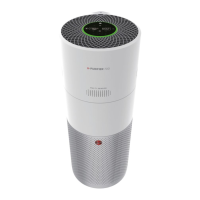
How To Use:Features:
•IMPORTANT •
This unit is equipped with a smart panel that senses your
touch. Heavy pushing of buttons is not recommended.
CHECK theairpurier
forthelters.Besurethe
suppliedltersareproperly
in place and all plastic is
removed before turning the
unit on.
HORIZONTAL POSITION
PLACE
theairpurierona
hard surface such as the
oor,atableordesk.Besure
thegrillesarenotblockedby
other objects, and there are
nocandlesoramesnear
theunit.Theairpuriercan
be placed in a horizontal or
vertical position.
1
2
3
4
5
6
7
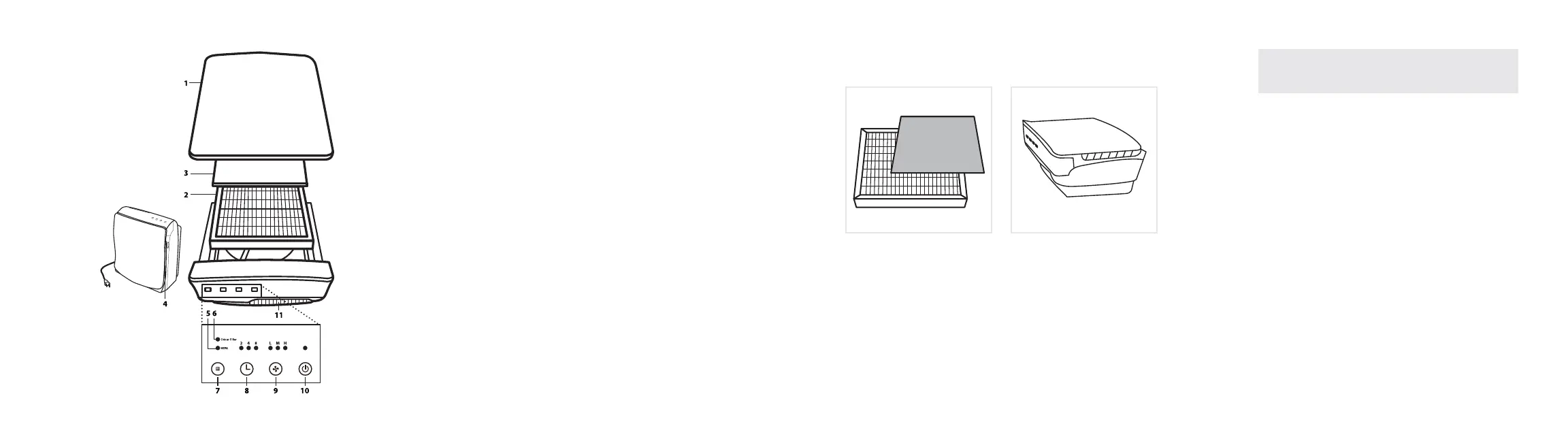
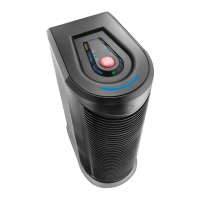
1 Air Purifier Door: Easilyremovetogainaccesstothelter.
2 Main Filter: Filterparticlesfromtheairthatpassesthroughthelter.
3 Odor Filter: Reduceodorsfromtheairthatpassesthroughthelter.
4 Intake Grille: Where air enters the unit.
5 Check Main Filter Light: Indicatesthemainltermayneedtobe
replaced when lit.
6 Check Odor Filter Light: Indicatestheodorltermayneedtobe
replaced when lit.
7 Check Light Reset Button: Thisbuttonresetsboththemainlterand
odorlterlights.
8 Timer: Set the run time for two, four or eight hour, before automatically
turning OFF.
9 Fan Speed: The fan runs at three speeds. The lights indicate the current
fan speed.
L: Low for the Silence Technology®
M: Medium for typical use
H: High for maximum cleaning
10 Power: Turn the unit ON (I=ON) and OFF (0=OFF).
11 Exhaust Grille: Directtheowofairasitexitstheunit.
PLUG IN into nearest standard electrical outlet.
LIGHTLY TOUCH thepowerbuttontoturntheairpurieron.Touch
thepowerbuttonagaintoturntheairpurieroff.
SELECT THE FAN SPEED To select the speed, lightly touch and
release the fan speed button until the desired speed is reached.
L = low, Silence Technology
®
, M = medium or H = high.
ADJUST THE TIMER feature. The time can be selected from two, four
or eight hours. The unit will turn off once it runs for the selected hours.
Note: The unit will run continuously if all the timer lights are off.
THE CHECK FILTER LIGHTS willlightupwhentheltersneedto
be replaced. Touch and hold the button for several seconds until the
lterindicatorshutsoff.
FRONT
*Varies per model
*Varies per model


 To Next Page