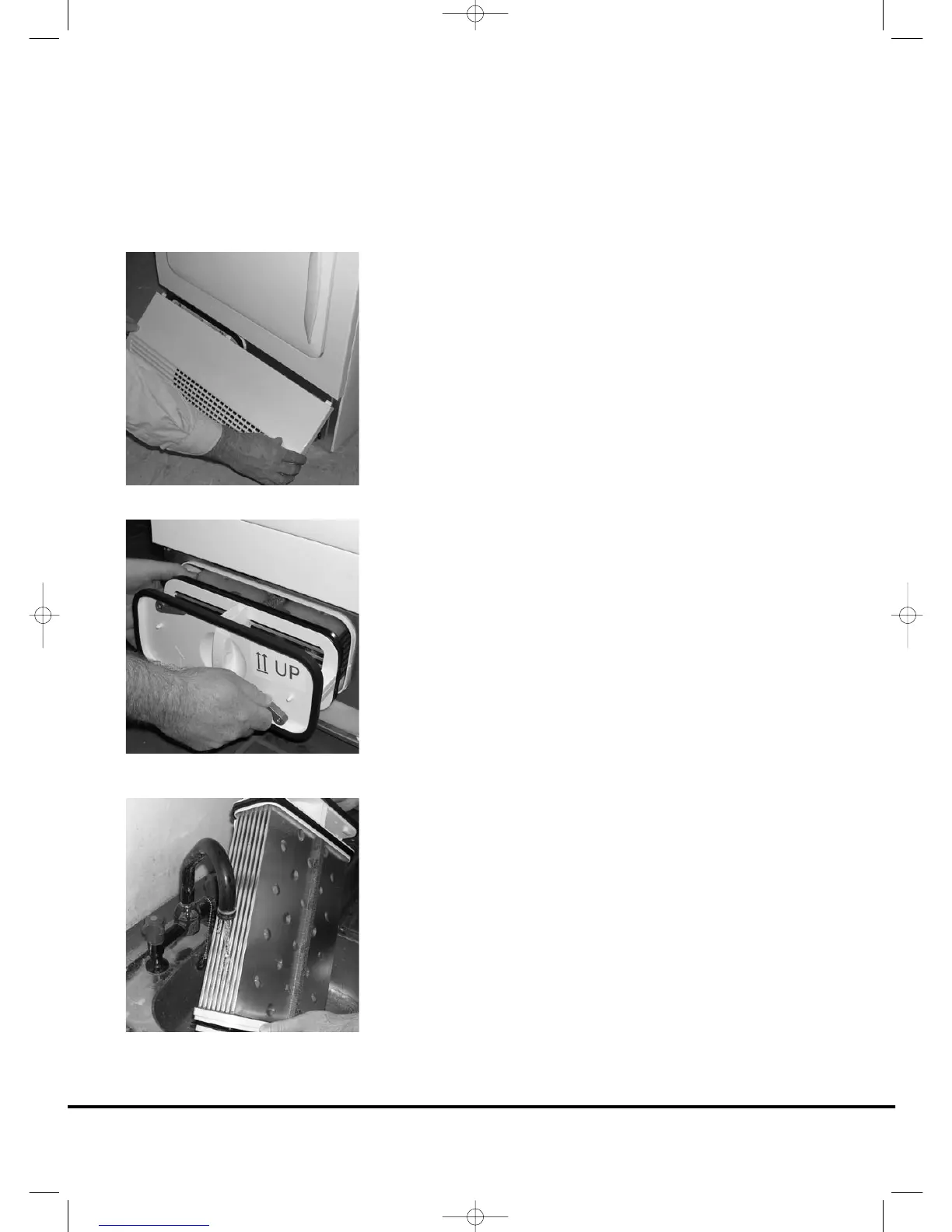
To remove the condenser
1. Gently pull the bottom of the kickplate so that it unclips
from the dryer. The top section can then be unhinged
allowing the kickplate to be completely removed.
2. Turn the two locking levers anti-clockwise and pull out
the condenser.
3. Pull out the condenser unit.
4. Gently remove any dust or fluff with a cloth, then wash
the unit by holding it under a running tap turning it so
that water flows between the plates, to remove any dust
or fluff.
5. Refit the condenser ensuring it is in the correct way (as
indicated by the arrow) and pushed firmly into place. Lock
the two levers by turning them clockwise.
6. Refit the kickplate.
14
Condenser




 To Next Page