Avatar SD40
Folding
9
Folding (continued)
• The machine must be folded in at standstill.
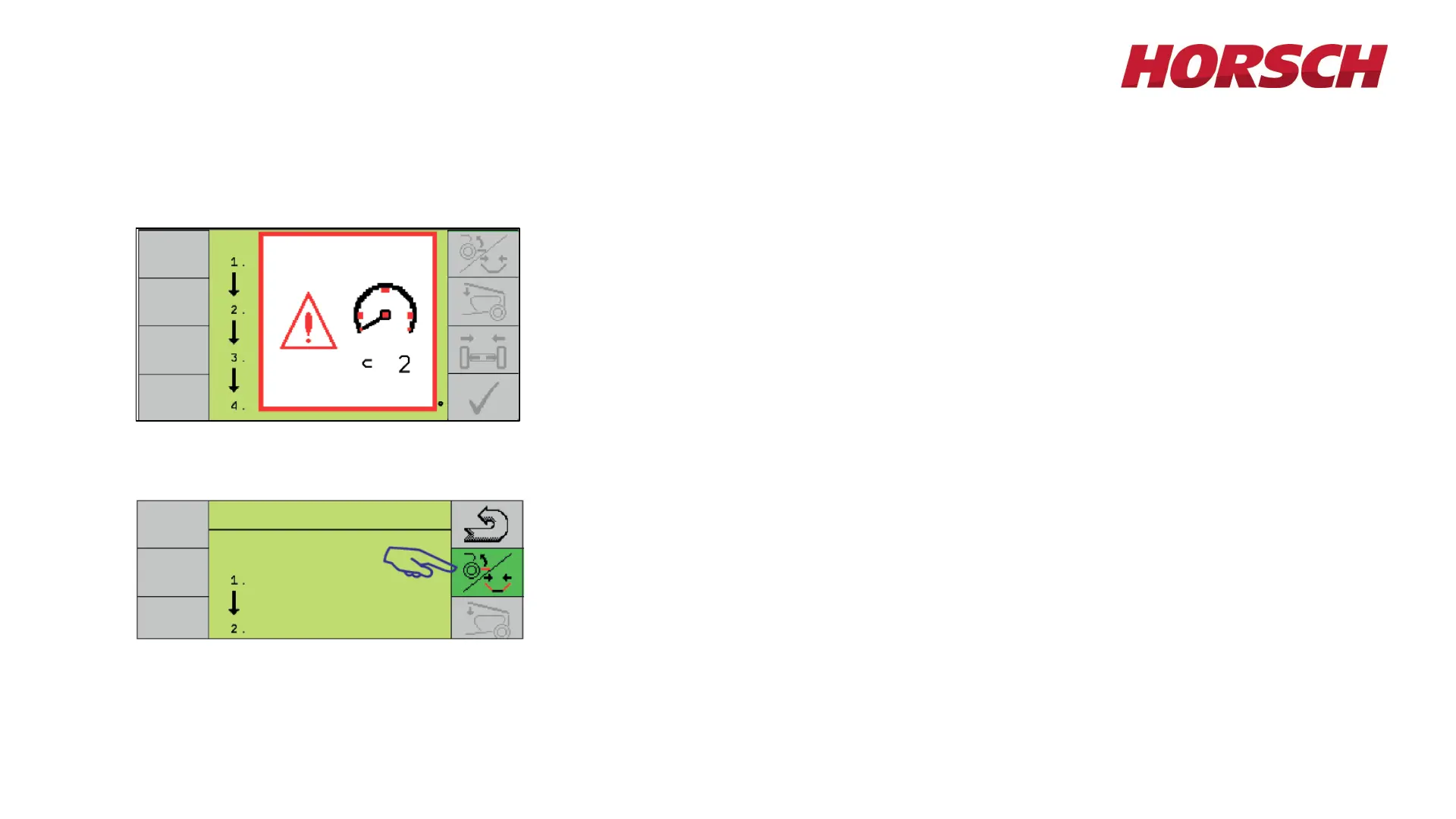
• If the machine is moving or a speed signal is detected when switching on
the folding menu, this notice will appear (see picture to left).
• The folding menu will only be enabled at a standstill.
• Press the softkey for "Lift/Fold". The button changes to green.
• Lift toolbar with the tractor hydraulics.
IMPORTANT! Watch the wings when folding. They must move evenly!








 To Next Page