12
/
69
Installing the nano-SIM Card and microSD Card
Power off your phone before installing or removing the Nano-SIM card and microSD card.
WARNING!
To avoid damage to the phone, do not use any other kind of SIM cards, or any
non-standard nano-SIM card cut from a SIM card. You can get a standard nano-SIM card
from your service provider.
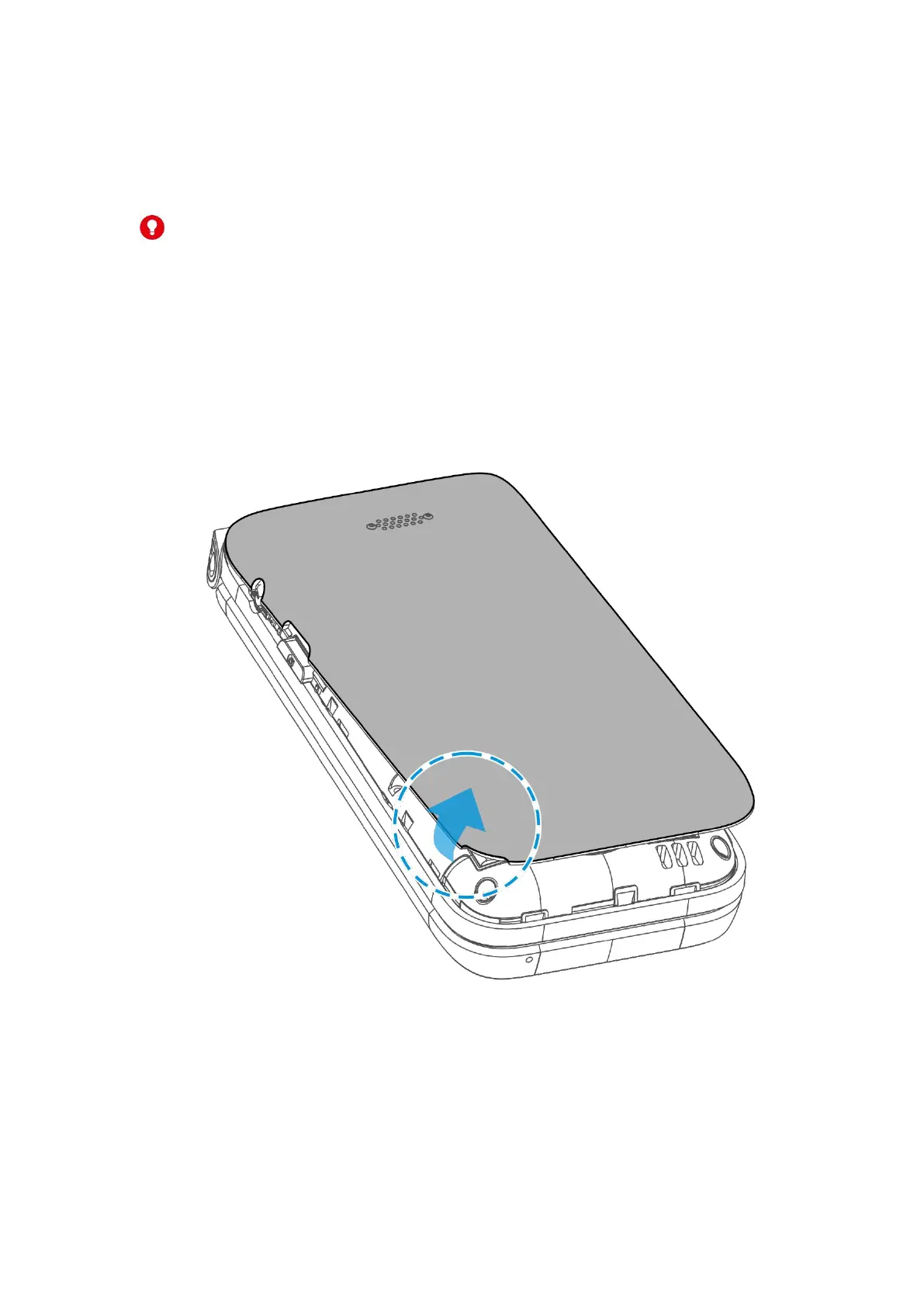
1. Insert your fingernail into the slot at the bottom left of the back cover and lift it up
gently.



 To Next Page