17
/
69
Powering On/Off
• Press and hold the Power/END key to turn on your phone.
• To turn it off, press and hold the Power/END key.
Setting Up for the First Time
When you first power on your phone after you purchase it or reset it to factory settings
(see Reset), you need to do some settings before using it.
Select the language and then follow the prompts to set up your phone.
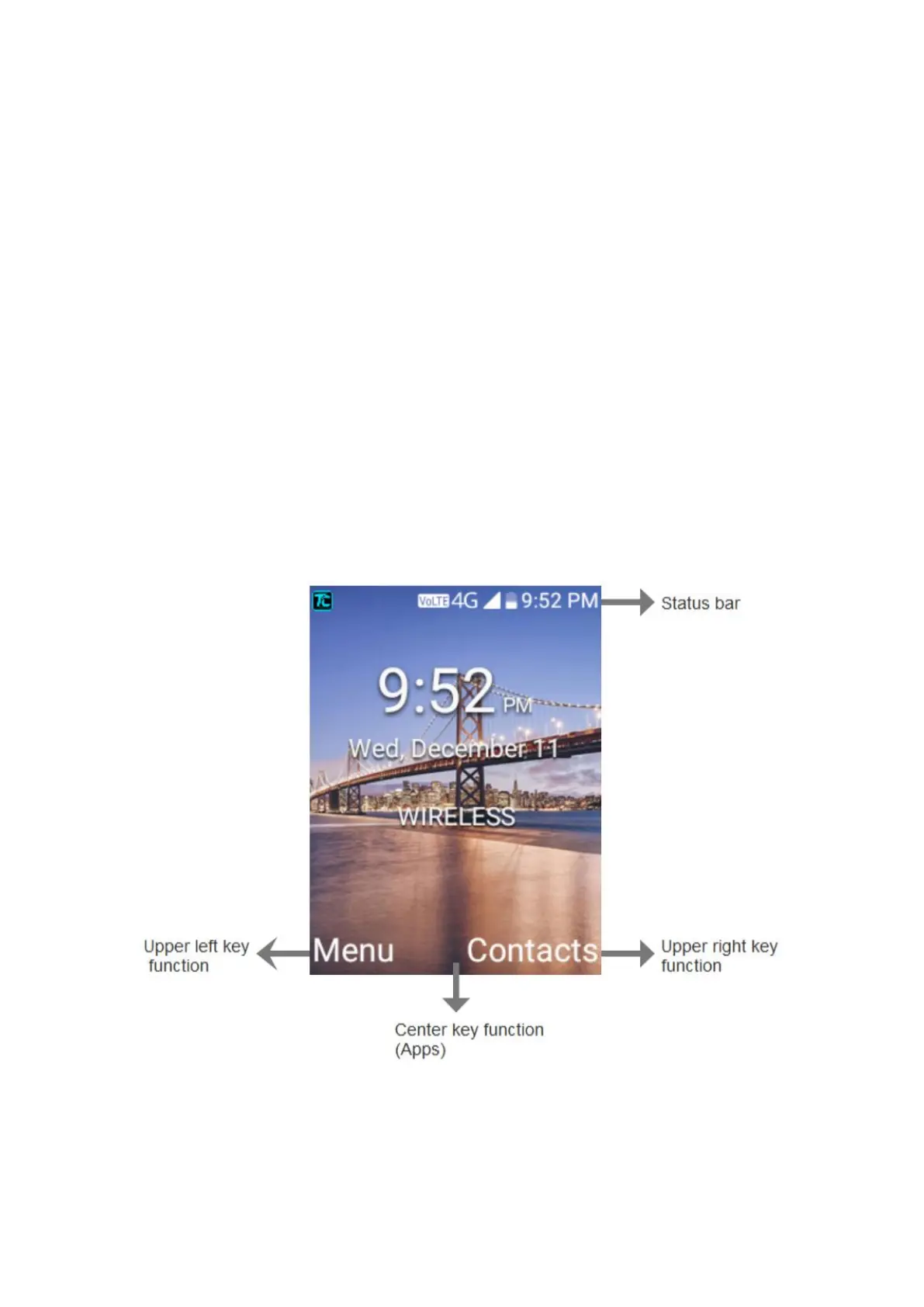
Getting to Know the Home Screen
The home screen is the starting point for your phone’s applications, functions, and menus.



 To Next Page