37
/
69
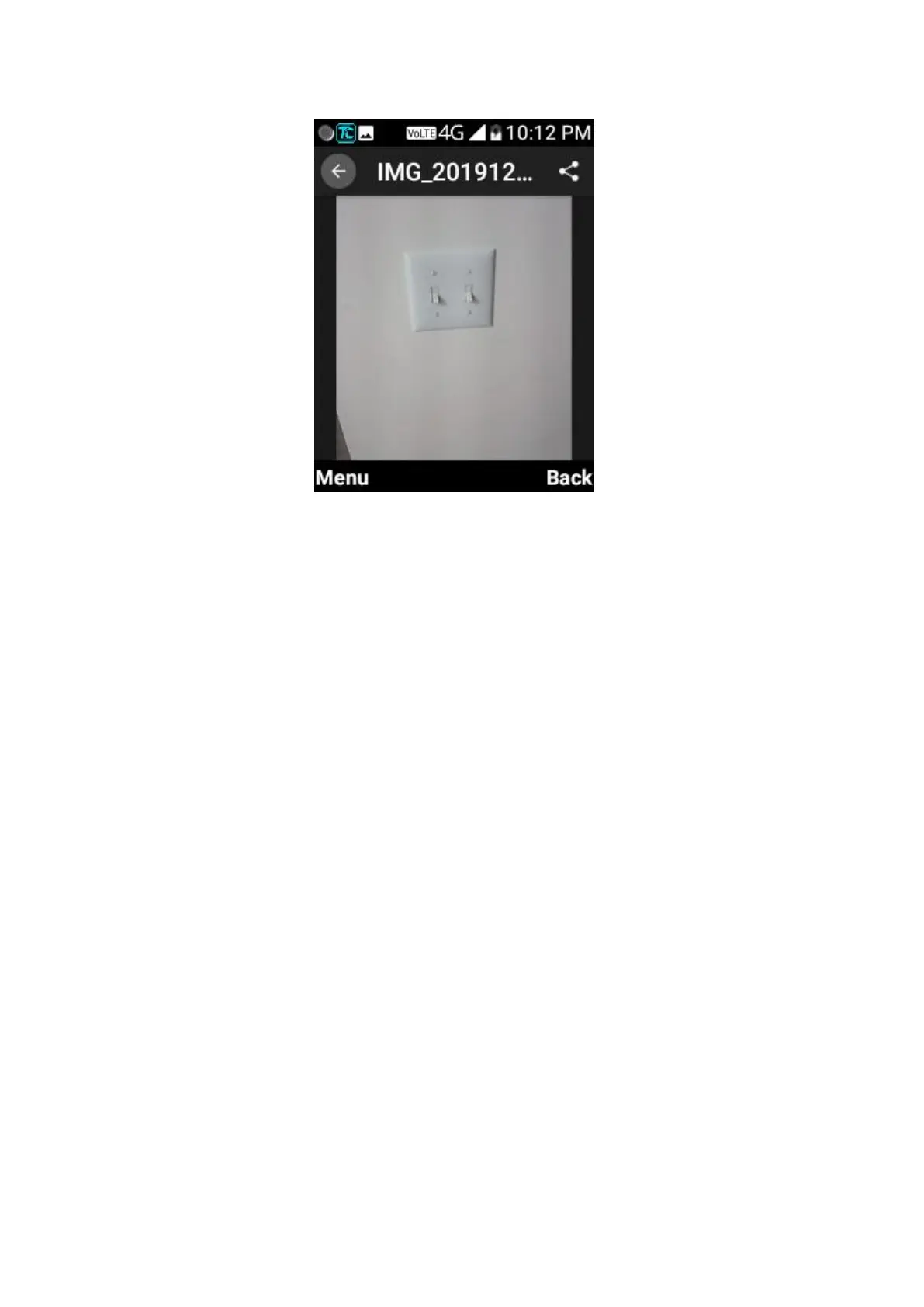
When viewing a picture, the following features are available.
• Select Menu > Delete to delete the picture.
• Select Menu > Rotate left to make the picture rotate -90°.
• Select Menu > Rotate right to make the picture rotate 90°.
• Select Menu > Set wallpaper for Home screen or lock screen or both.
• Select Menu > Details to check file details.
• To share pictures: press up navigation key, then right navigation key to focus share
icon > select one share option (BT/Email/Messaging).
Videos
Opening Videos
From the home screen, press OK key > Multimedia > Videos to view albums of your
videos.
Working With Albums
When you open the Videos, all pictures on your phone are displayed in a number of
albums by default. Scroll up and down to see them all.



 To Next Page