34
/
69
Viewing the Browsing History
1. Open the Browser app.
2. Select Menu > Bookmarks/History > change tab to History to view all the websites you
have visited. You can select one and press the Center key to open it.
Changing Browser Settings
You can configure a number of settings to customize the way you browse the web.
To open the Browser settings screen, select Menu > Settings in the browser screen.
Camera
You can use your phone to take photos and record videos. Photos and videos are stored
in the phone storage. You can copy them to your computer or access them in the Gallery
app.
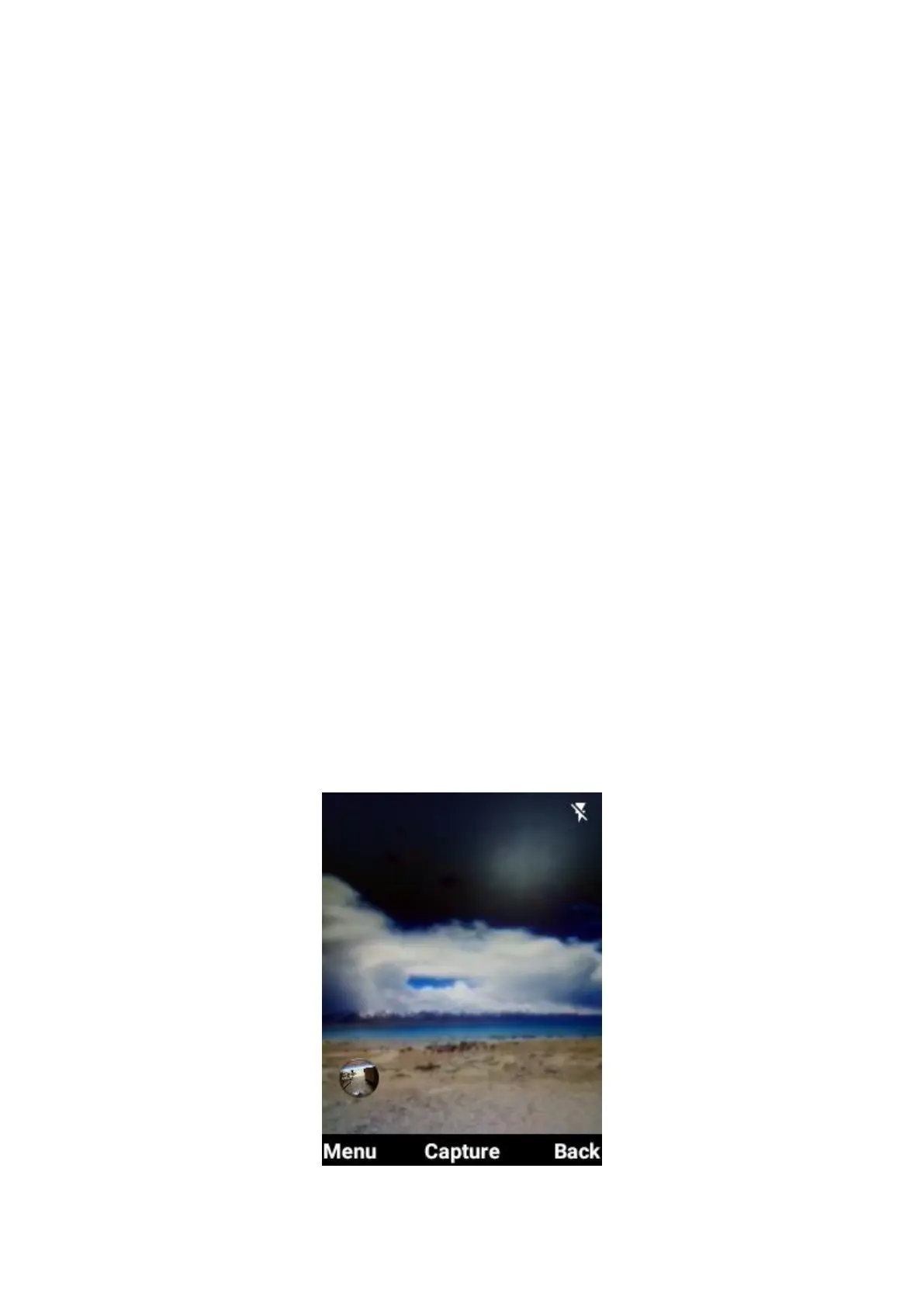
Capturing a Photo
1. From the home screen, press the Camera key or press OK key > Camera.
2. Aim the camera at the object and make any necessary adjustment.



 To Next Page