14
/
69
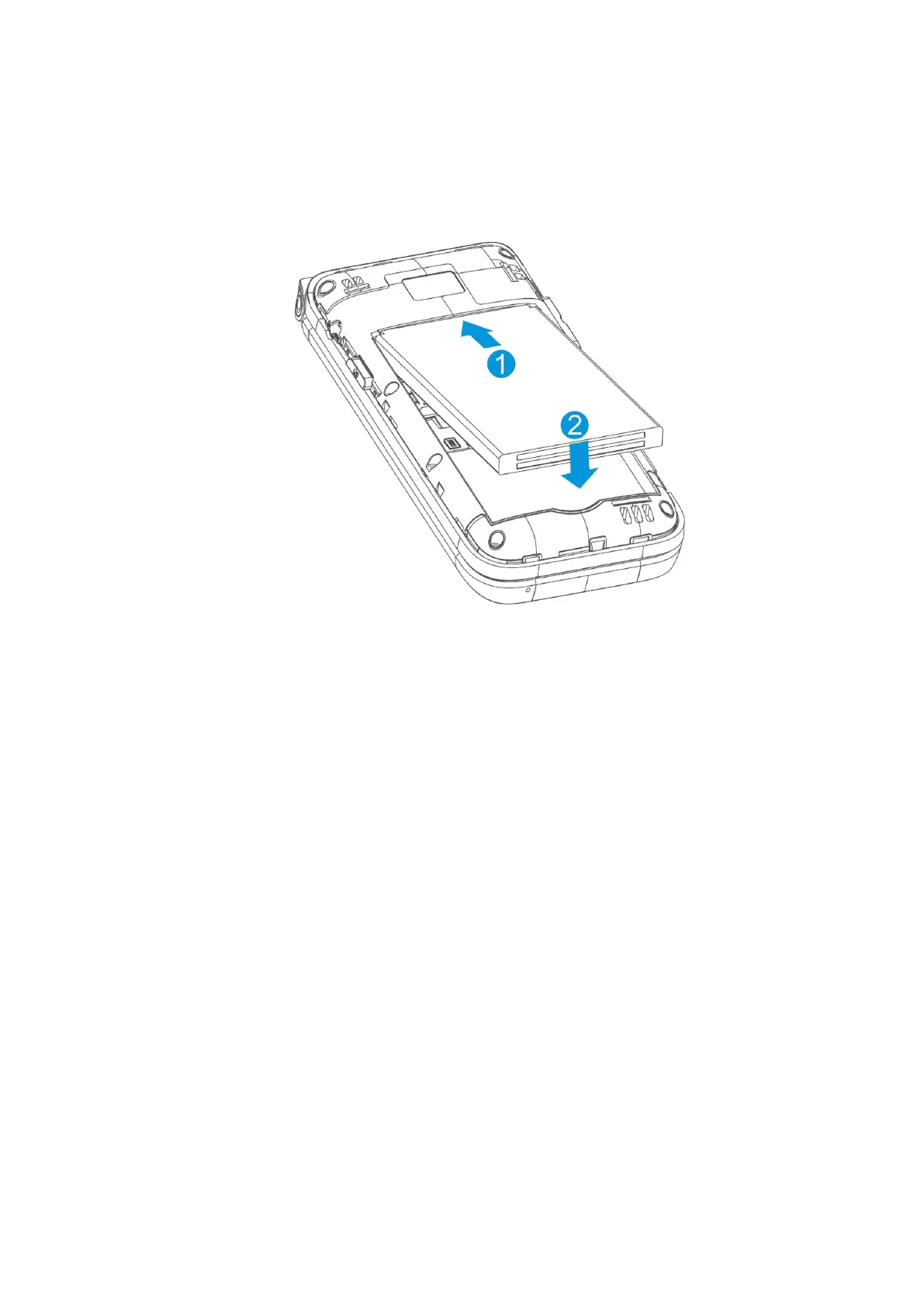
3. Insert the battery by aligning the metal contacts on the battery with the metal
contacts in the battery compartment. Gently push down on the battery until it clicks
into place.
4. Replace the back cover.
Removing the nano-SIM Card and microSD Card
Power off your phone before installing or removing the nano-SIM card and microSD card.
1. Open the back cover and remove the battery.
2. The card slot keeps the card in place. You can open or lock the microSD card slot
according to the silk-screen instructions inside.



 To Next Page