The MIN and MAX range is 0-127, and the MIN value can be
greater than the MAX value.
Curve is for selecting 7 different curves when the expression
pedal is pushed from all the way up to all the way down.
Default is Curve 4 (linear).
Note: Don’t forget to save after editing.
TO CALIBRATE YOUR EXPRESSION PEDAL
CONTROLLERS
The calibrate function helps you calibrate your expression
pedal. It is important to calibrate the expression pedal if you
find your pedal not working or the sweep has very little/too
much change while sending MIDI messages.
Follow the instructions below:
1.Connect your expression pedal (s) to Ampero Control’s
EXP/CTRL jack (s).
2.Hold footswitch 4 while powering up your Ampero Control.
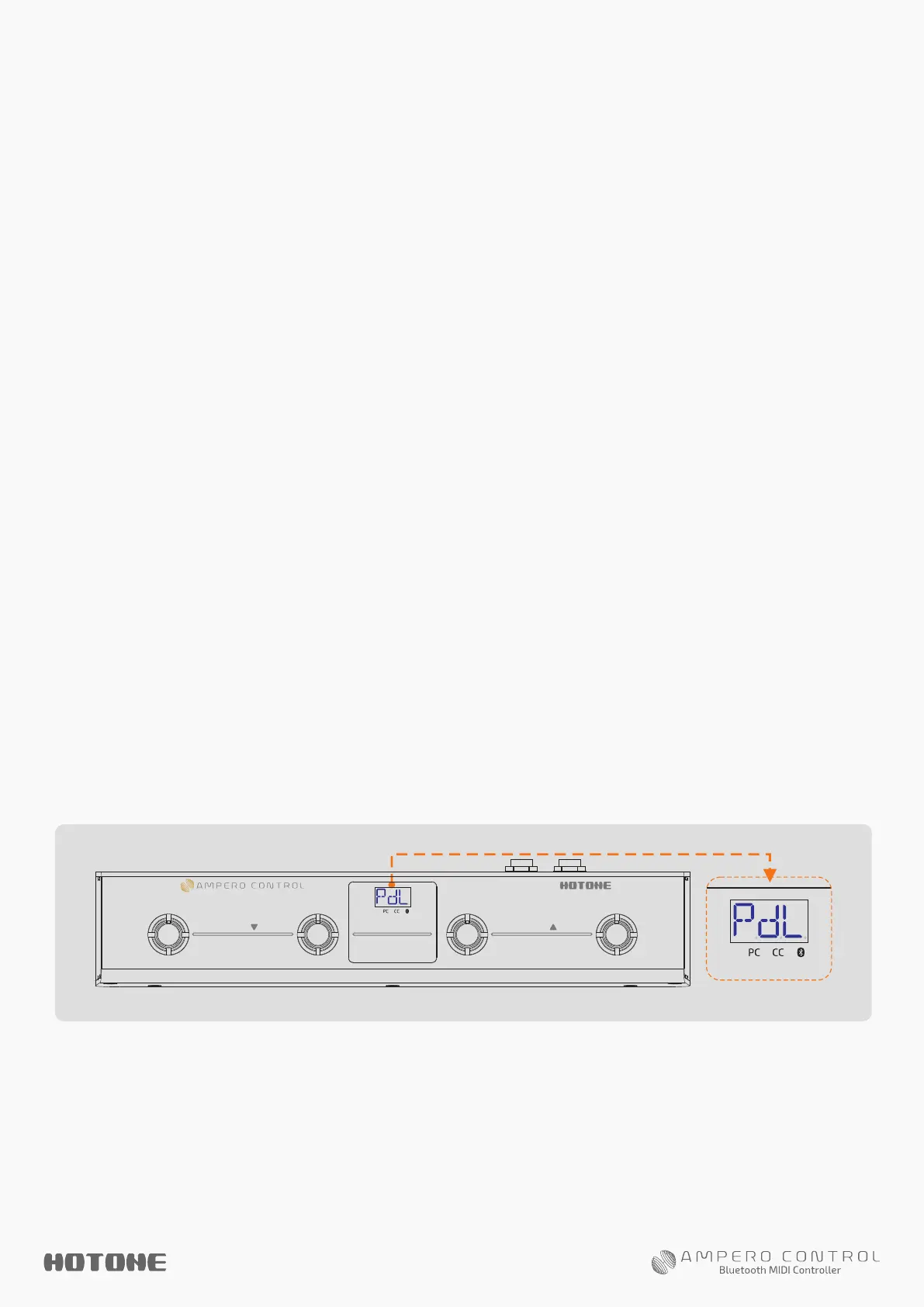
The screen will display “PdL” to indicate that your unit has
entered Expression Pedal Calibration Mode:
3. Fully raise and press down the pedal you need to calibrate
at least 3 times. Your unit will automatically process and match
your pedal.
4. With the above operation finished, press footswitch 4 again
to exit Expression Pedal Calibration Mode.
1 2 3 4
BANK
BANK
Bluetooth MIDI Controller
Hold/Pair
888


 To Next Page