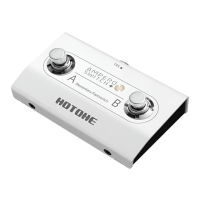
This operating guide is for how to set the Ampero Switch+ on Ampero II Stomp or Ampero II Stage. On both units,
Ampero Switch+ is connected and set in the same way, so the following steps will take Ampero II Stomp as an
example. If you want to set the Ampero Switch+ to control other device, please refer to the related contents of
your device manual.
How to connect
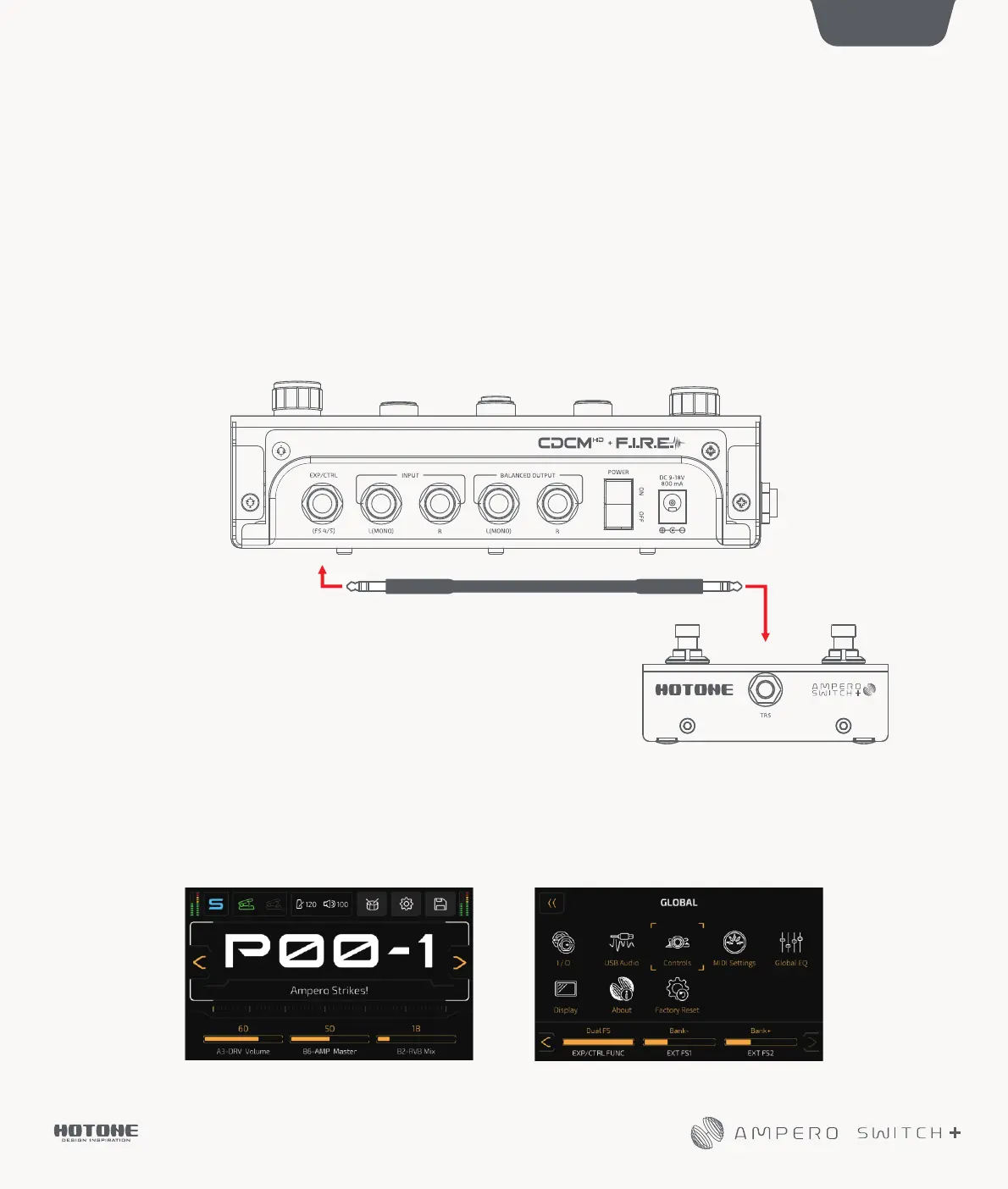
Connect one end of the TRS jack to Ampero Switch+ and the other end to the EXP/CTRL(FS4/5) jack of Ampero II Stomp
with the provided TRS cable
1/4"(6.35mm)StereoCable
1
1. In the main menu, click “GLOBAL” and then “Controls”. Set “EXP/CTRL FUNC” to “Dual FS” in the selection panel
Preface
How to set up


 To Next Page