2
How to set up
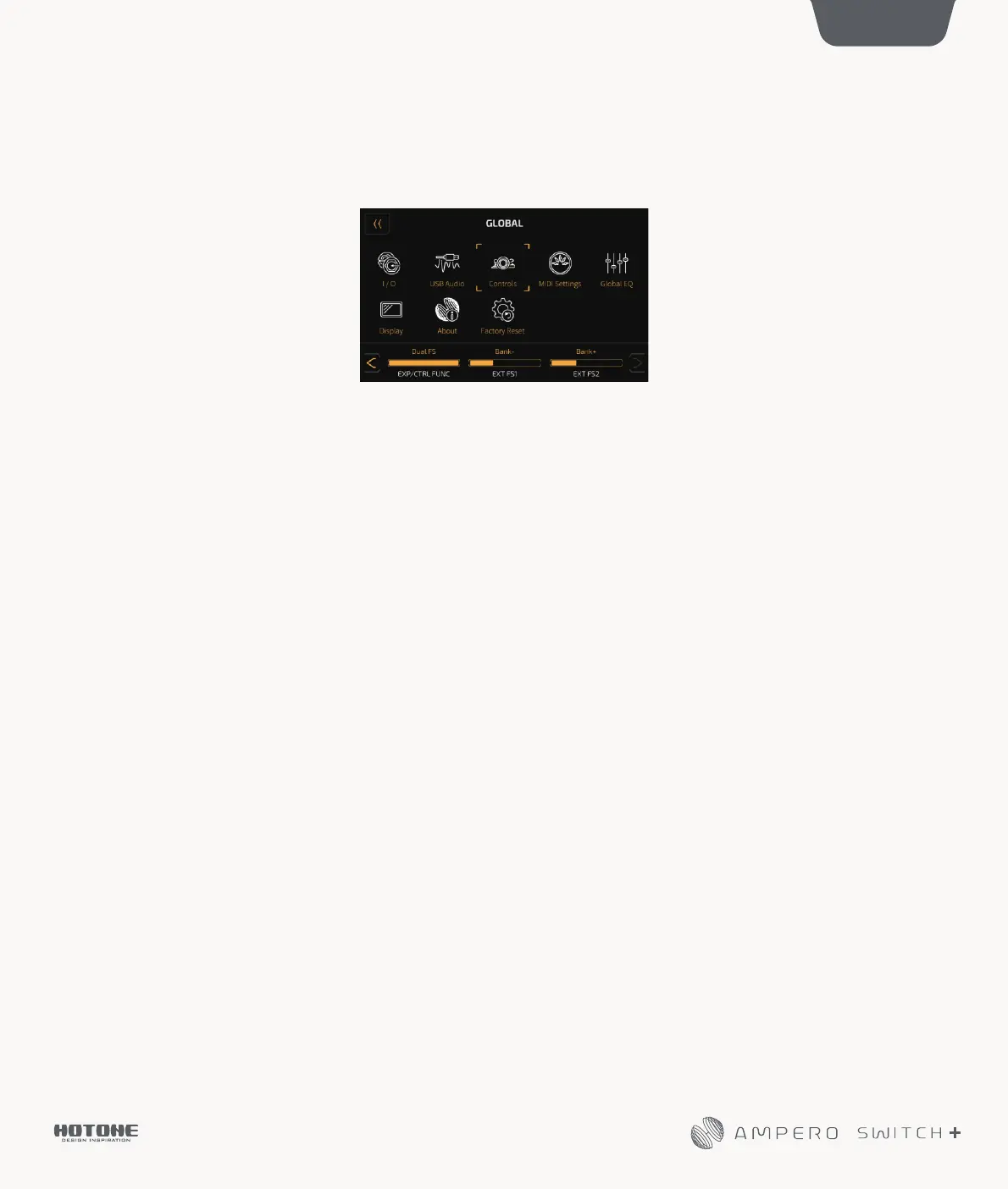
2. “EXT FS1” and “EXT FS2” in the selection panel will become editable. The default is set to bank-/+.
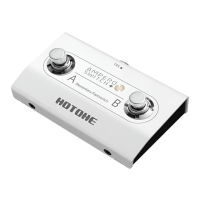
3. “EXT FS1” corresponds to Ampero Switch Footswitch A and “EXT FS2” corresponds to Ampero Switch Footswitch B.
They can be set up as Follows:
Looper Rec/Play: Record/play loop phrases
Looper Stop: Stops looper playback
Looper: Enter/exit looper menu
Drum On/Off: Drum rhythm play/stop
Drum: Enter/exit drum menu
Tuner: Enter/exit tuner
Bank+/-: Change banks by toggling up or down
Tap Tempo: Tap tempo function
Patch+/-: Change patches by toggling up or down
EXP On/Off: Switching built-in expression pedal on/off
FX1, FX2, AMP, NR, CAB, EQ, FX3, DLY, RVB On/Off: Turn on/off each effect block
Plus:
When set EXP/CTRL FUNC to Single FS, the FS4 TAP defaults to Tap Tempo;
When set EXP/CTRL FUNC to Dual FS, the FS4 TAP defaults to Bank- and FS5 TAP defaults to Bank+.


 To Previous Page