15
MAINTENANCE
Always turn off and unplug the unit before
cleaning to avoid electrical shock.
CLEANING THE HOUSING
Wipe the surface of the unit with a soft, damp
cloth. Do not use abrasive chemicals or detergents
to clean the surface of the unit, as the unit may
become scratched or damaged.
Avoid direct exposure to sunlight as this may
change the surface color.
CLEANING THE FILTER
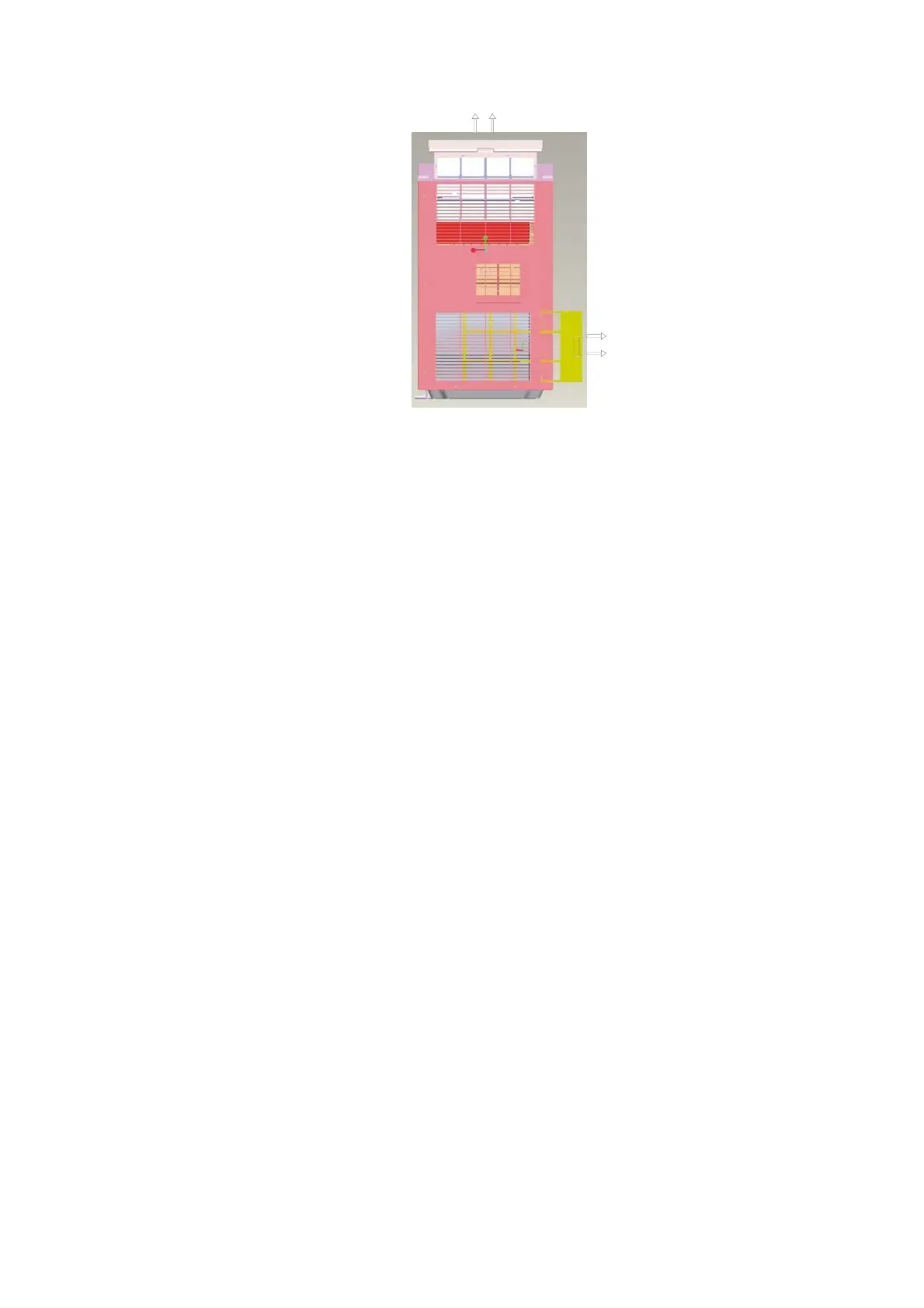
Slide the filters out from the side o f the unit.
Immerse the filter gently in warm water with a mild
detergent. Rinse thoroughly and dry before
replacing.
An unclean air filter reduces air volume. The filter
should be cleaned every two weeks.


 To Next Page