TliMEDBAKING
(on some models)
How to Time Bake
Your oven can beset to turn on and off autom@aliy.
NOTE ~fore be@nnin& make sure the OVC4clock
shows the correct time of day.
u!
How to set hnmedbte Start and ~tOJIUItiC stop
To avoid tile ~ #ace the ShChS in
the correct
position before you turn the oven a.
Theovenwill turnon”
unmdately, and cook f~ a
selected length of time. At the end of Cook Tx, the
oven will turn off automatically.
NOTE To start cooking immediately and ~ off
automatically, you must turn the OVEN SET
knob to TIMED BAKE.
mm mvmm
(z (~
?Nllmm
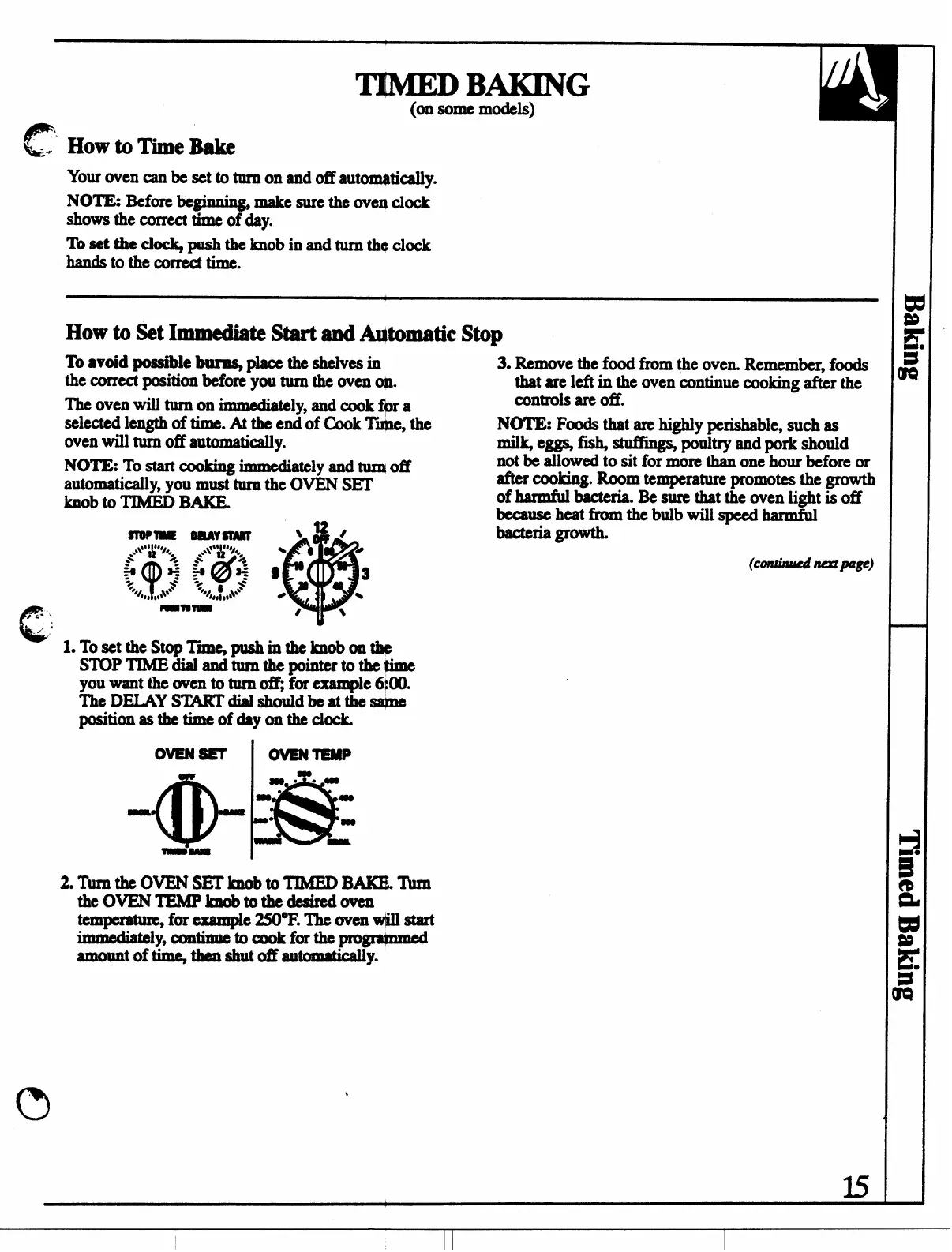
LTosetthc St@ Tii, mashintheknobonthe
3. Remove the food horn the oven. Remember, foods
that arc left in the oven continue cooking after the
controls are off.
NOTE: Foods that are highly perishable, such as
rnil~ e= fi@ stuflh~ poultry and pork should
not be allowed to sit for more than one hour before or
after cooking. Room temperature promotes the growth
of harmful bacteria. Be sure that the oven light is off
because heat fromthebulbwill speed harmful
bacteria growth.
(Cmzinuednmpulgl?)
STOP TIMEaialand-mthe pointer tothe@ne
you want the oven to turn ti, fm example 6@0.
The DEIAYS’MKMialshouldbeatthesqne
position asthetimeofday ontheclock.
ovENsE’r
I OVENTEMP
2.Tllx’ntheovENsBTknobtoTrMBDBAKQ’Ikn
theoV’E?WTE!MPknobtothedeaircdoven
temperate, for
example 25(Y’F. The oven I@ @art
.
unmediwly, continue tocookforthe~
amount of timq tkn shut (m M0matk4y.
ls



 To Next Page