The Sabbath feature can be used for baking/roasting only. It cannot be used for broiling, self-cleaning or Delay Start
cooking.
NOTE: The oven light comes on automatically (on some models) when the door is opened and goes off when the door is
closed. The bulb may be removed. See the Oven Light Replacement section. On models with a light switch on the control
panel, the oven light may be turned on and left on.
How to Set for Timed Baking/Roasting—Immediate Start and Automatic
Stop
NOTE: To understand how the oven control works,
practice using regular (non-Sabbath) Immediate Start
and Automatic Stop before entering the Sabbath
mode.
Make sure the clock shows the correct time of day
and the oven is off.
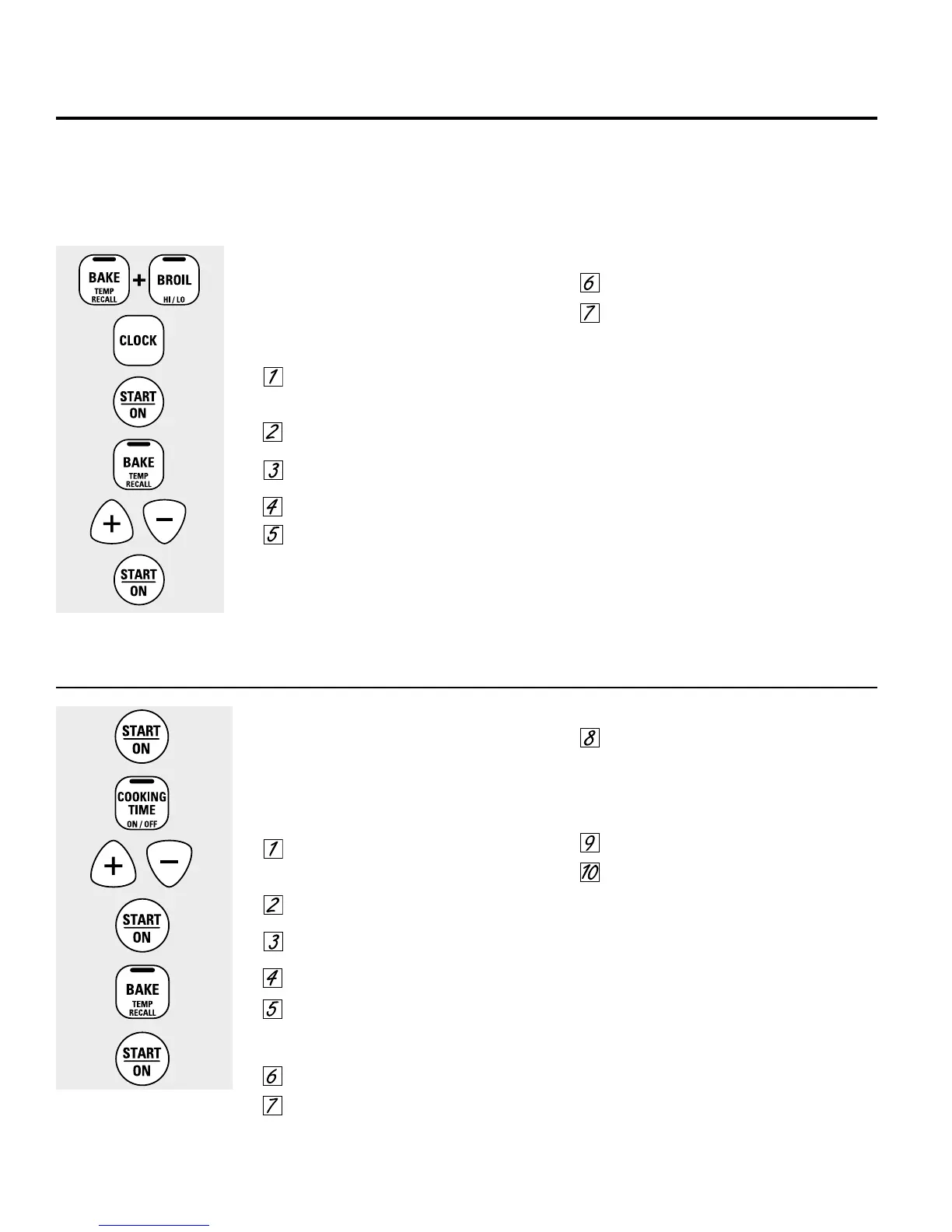
Touch and hold both the BAKE and BROIL HI/
LO pads, at the same time, until the display
shows SF
Tap the CLOCK pad until SAb appears in the
display
Touch the START/ON pad and ⊃ will appear in
the display
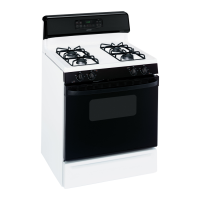
Touch the COOKING TIME pad
Touch the + or – pads to set the desired length
of cooking time between 1 minute and 9 hours
and 59 minutes The cooking time that you
entered will be displayed
Touch the START/ON pad
Touch the BAKE pad No signal will be given
The preset starting temperature will
automatically be set to 350° Tap the + or –
pads to increase or decrease the temperature
in 25° increments The temperature can be set
between 170° and 550° No signal or
temperature will be given
Touch the START/ON pad
After a random delay period of approximately
30 seconds to 1 minute, ⊃⊂ will appear in the
display indicating that the oven is
baking/
roasting
If ⊃⊂ doesn’t appear in the display,
start again at Step 7
To adjust the oven temperature, touch the BAKE pad
and tap the + or – pads to increase or decrease the
temperature in 25° increments Touch the START/
ON pad
When cooking is finished, the display will change
from ⊃⊂ to ⊃, indicating that the oven has turned
OFF but is still set in Sabbath Remove the cooked
food
Using the Sabbath Feature. (on some models)
(Designed for use on the Jewish Sabbath and Holidays)
How to Set for Regular Baking/Roasting
NOTE: To understand how the oven control works,
practice using regular baking (non-Sabbath) before
entering Sabbath mode.
Make sure the clock shows the correct time of day
and the oven is off.
Touch and hold both the BAKE and BROIL HI/
LO pads, at the same time, until the display
shows SF
Tap the CLOCK pad until SAb appears in the
display
Touch the START/ON pad and ⊃ will appear
in the display
Touch the BAKE pad No signal will be given
The preset starting temperature will
automatically be set to 350° Tap the + or –
pads to increase or decrease the temperature
in 25° increments The temperature can be set
between 170° and 550° No signal or
temperature will be given
Touch the START/ON pad
After a random delay period of approximately
30 seconds to 1 minute, ⊃⊂ will appear in the
display indicating that the oven is
baking/
roasting
If ⊃⊂ doesn’t appear in the display,
start again at Step 4
To adjust the oven temperature, touch the BAKE pad
and tap the + or – pads to increase or decrease the
temperature in 25° increments Touch the START/
ON pad
NOTE: The CLEAR/OFF and COOKING TIME pads are
active during the Sabbath feature
When the display shows ⊃
the oven is set in Sabbath When
the display shows ⊃⊂ the oven
is baking/roasting
When the display shows
⊃
the oven is set in Sabbath
When the display shows ⊃⊂
the oven is baking/roasting
18



 To Next Page