GEAppliances.com
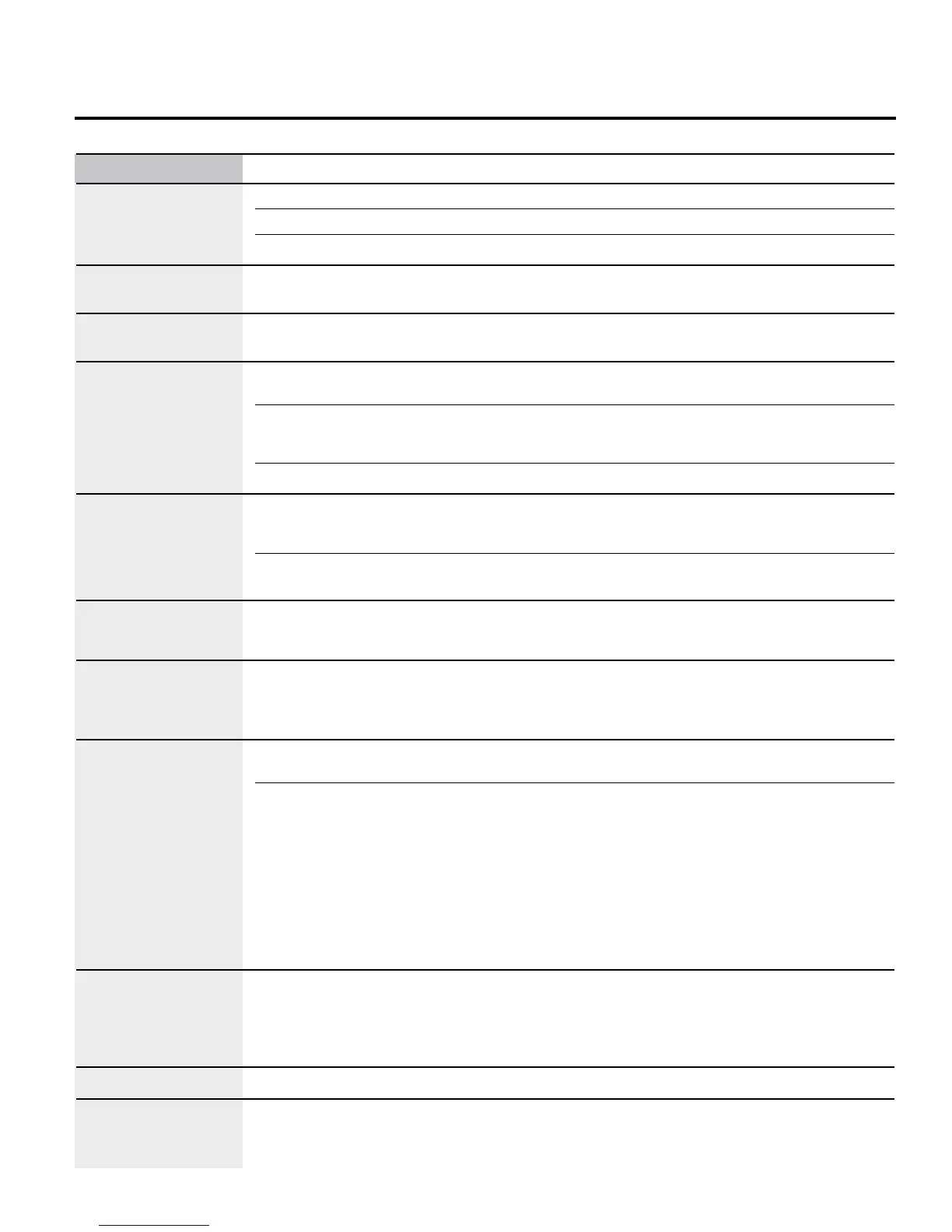
Problem Possible Causes What To Do
Excessive condensation Liquid in warming drawer. • Remove liquid
in the warming drawer
Uncovered foods. • Cover food with lid or aluminum foil
Temperature setting too high. • Reduce temperature setting
Food dries out in the Moisture escaping. • Cover food with lid or aluminum foil
warming drawer
Oven temperature too Oven thermostat • See the Adjust the oven thermostat–Easy to do
hot or too cold needs adjustment yourself! section
Clock and timer do Plug on range is not completely • Make sure electrical plug is plugged into a live, properly
not work inserted in the electrical outlet. grounded outlet
A fuse in your home may be • Replace fuse or reset circuit breaker
blown or the circuit breaker
tripped.
Oven controls improperly set. • See the Using the clock and timer section
Display goes blank A fuse in your home may be • Replace the fuse or reset the circuit breaker
blown or the circuit breaker
tripped.
The clock is turned off from • See the Using the clock and timer section
showing in the display.
Oven door is crooked The door is out of position. • Because the oven door is removable, it sometimes gets
out of position during installation To straighten the
door, push down on the high corner
Oven makes This is the sound of the • This is normal
clicking noise heating element turning
off and on during
cooking functions.
“F—and a number You have a function error code. • Press the CLEAR/OFF pad Put the oven back
or letter” flash in into operation
the display
If the function code repeats: • Disconnect all power to the range for at least 30
seconds and then reconnect power If the function
error code repeats, call for service
• On self-cleaning models, if a function error code
appears during the self-cleaning cycle, check the oven
door latch The latch may have been moved, if only
slightly, from the locked position Make sure the latch
is moved to the right as far as it will go Press the
CLEAR/OFF pad Allow the oven to cool for one hour
Put the oven back into operation
Power outage Power outage or surge. • Some models will automatically resume their setting once
the power is restored On models with a clock, you must
reset the clock If the oven was in use, you must reset it by
pressing the CLEAR/OFF pad, setting the clock and
resetting any cooking function
Display flashes Power failure. • Reset the clock
Unable to get the display Oven control pads were not • The BAKE and BROIL HI/LO pads must be pressed at the
to show “SF” pressed properly. same time and held for 3 seconds
33



 To Next Page