20 of 43
Service Manual UK
Whirlpool UK Appliances Ltd
English
3. ACTIVATE THE FUNCTION
Once you have applied the settings you require, press to activate the function.
You can press and hold at any time to pause the function that is currently active.
4. PREHEATING
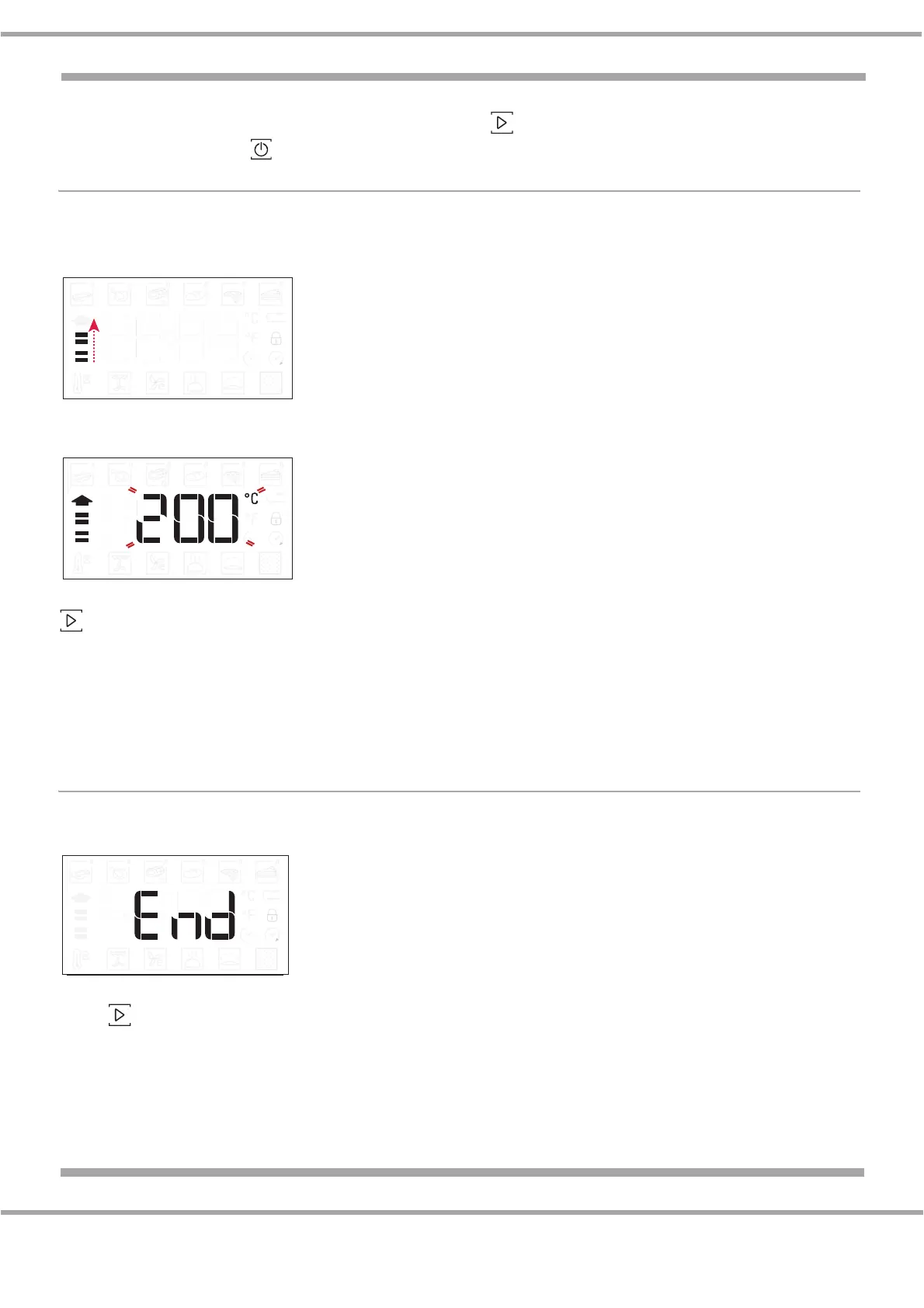
Some functions have an oven preheating phase: Once the function has started, the display indicates
that the preheating phase has been activated.
Once this phase has finished, an audible signal will sound and the display will indicate that the oven
has reached the set temperature.
At this point, open the door, place the food in the oven, close the door and start cooking by pressing
.
Please Note: Placing food in the oven before preheating has finished may have an adverse effect on
the final cooking result.
Opening the door during the preheating phase will pause it.
The cooking time does not include a preheating phase.
You can always change the temperature you want to reach using the knob.
5. END OF COOKING
An audible signal (three beeps) will sound and the display will indicate that cooking is complete.
To extend the cooking time without changing the settings, turn the knob to set a new cooking time and
press .


 To Next Page