12 of 43
Service Manual UK
Whirlpool UK Appliances Ltd
English
DESCRIPTION OF THE APPLIANCE
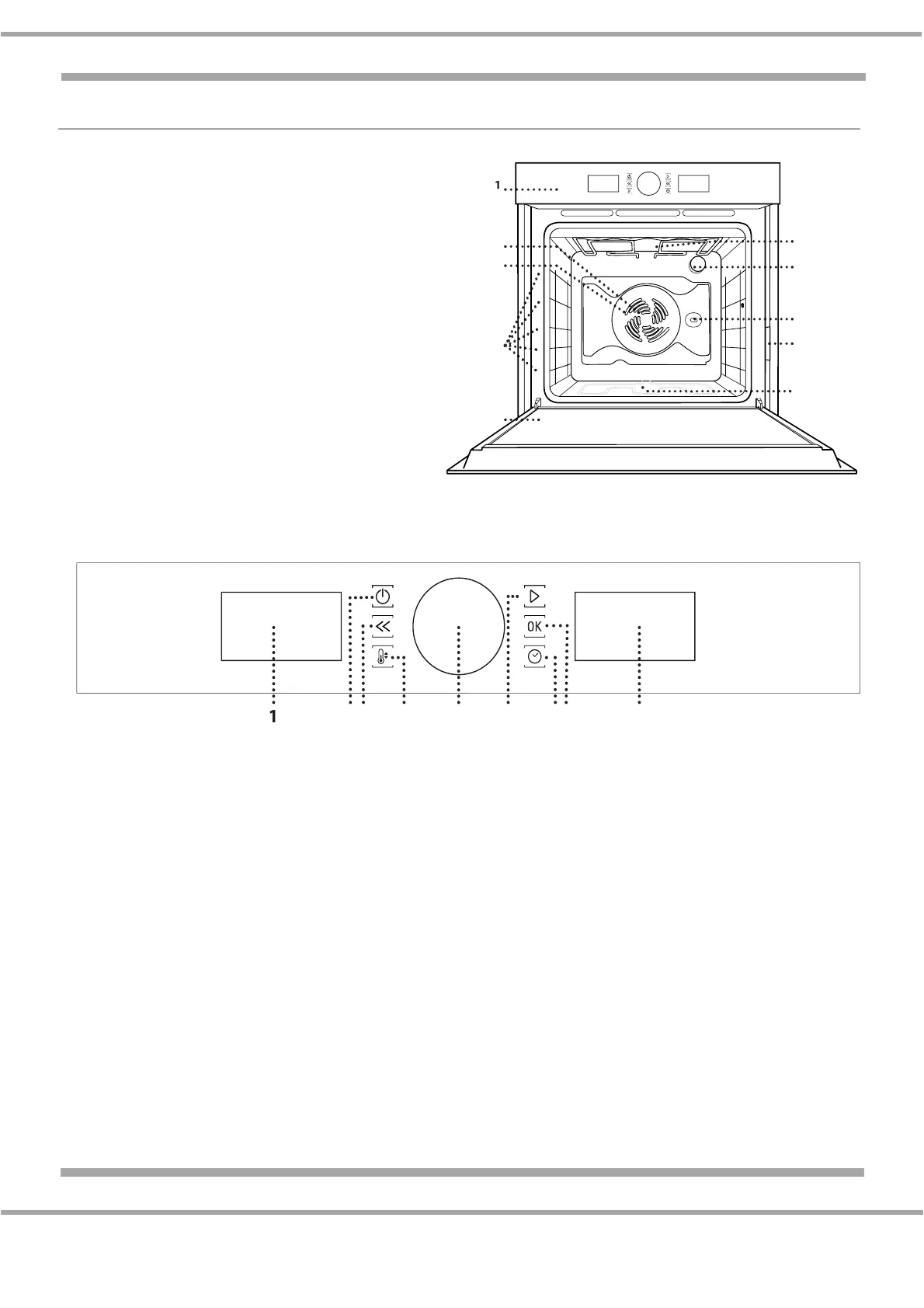
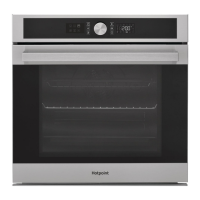
OVERALL VIEW
1. Control Panel
2. Fan
3. Circular Heating Element (not visible)
4. Shelf Guides (the level is indicated on the
front of the oven)
5. Door
6. Upper Heating Element/Grill
7. Lamp
8. Turnspit Insert Point
9. Identification Plate
Do not remove
10. Lower Heating Element (not visible)
CONTROL PANEL
1. LEFT HAND DISPLAY
2. ON / OFF
For switching the oven on and off and for stopping an active function at any time.
3. BACK
For returning to the previous menu when configuring settings.
4. TEMPERATURE
For setting the temperature.
5. KNOB
For selecting menu items and changing or adjusting the settings of a function.
6. START
For starting functions and confirming settings.
7. TIME
For setting or changing the time and adjusting the cooking time.
8. CONFIRM
For confirming an item you have selected or the settings for a function.
9. RIGHT HAND DISPLAY
5
4
3
2
1
5
4
3
2
1


 To Next Page