
 Need help?
Do you have a question about the Hotpoint TCHL 73 and is the answer not in the manual?
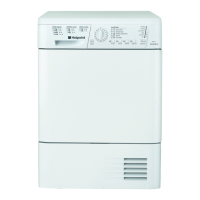
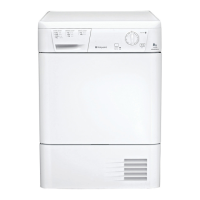
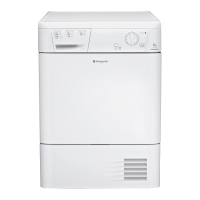
Overview of buttons, knobs, and indicator lights on the dryer's control panel.
Step-by-step guide on how to select and start a drying programme.
Explanation of the programmes knob and how to use option buttons for customisation.
Description of indicator lights for programme progress and delay settings.
How to set a delayed start and the function of the pre-care option.
Information on selecting the high heat setting for drying programmes.
Details on the post-care phase to prevent creases.
Guidance on emptying the water container and managing related indicators.
Effects of opening the door during a programme and how to resume.
Overview of different drying programmes, their purpose, and how to set them.
Instructions on sorting laundry, checking care labels, and maximum load capacities.
Explanation of variables like water retention, fabric type, and load size.
Reference tables for drying times based on load size and fabric type.
This document provides operating instructions for the Hotpoint TCHL 73 Tumble Dryer, a device designed for drying laundry. It covers various aspects of its operation, from choosing a programme to maintenance and safety guidelines.
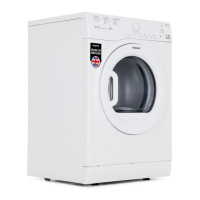
The Hotpoint TCHL 73 Tumble Dryer is an appliance used to dry clothes after washing. It offers a range of drying programmes tailored to different fabric types and desired dryness levels. The dryer utilizes heat and tumbling action to remove moisture from garments. Key functionalities include timed drying, automatic programmes for specific fabric types (Cottons, Synthetics), and special options like "Easy Iron" and "Cool Tumble." It also incorporates features to prevent creasing and manage water collection.
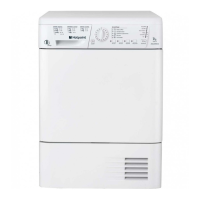
The dryer's control panel includes a PROGRAMME Knob, ON/OFF Button, START/PAUSE Button & Light, OPTION Buttons & Lights, and indicator lights for Clean Filter, Empty Water, Clean Condenser, and Progress/Delay.
These buttons customize selected programmes. An option light illuminates to confirm selection. If an option is unavailable, the buzzer will beep three times.
These lights indicate the selected delay time (when flashing) or the dryer's progress through its phases.
Allows delaying the start of a programme for up to 9 hours in 3-hour steps. The water container should be emptied before setting a delayed start. Pressing the Delay Timer button cycles through 3hr, 6hr, 9hr, and then cancels the delay. Holding the On/Off button also cancels the delay.
When selected with a delayed start, clothes are tumbled occasionally during the delay period to prevent creases.
Available for Timed Drying Programmes. Pressing this button selects a high heat setting (light on). Pressing it again selects low heat (light off). Timed programmes default to low heat.
When selected, clothes are occasionally tumbled after the drying and cool tumble cycles to prevent creases if not removed immediately. The "End" light is on during this phase.
Opening the door or pressing Start/Pause during a programme stops the dryer.
The "End" light comes on. The buzzer beeps three times. If Crease Care is selected and items are not removed, they will tumble occasionally for 10 hours or until the door is opened, then the buzzer will beep three times.
Drying times are approximate and vary based on:



 To Next Page

 General