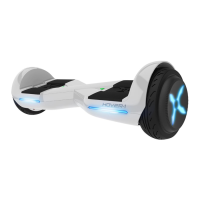
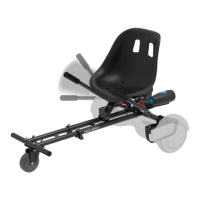
RIDING YOUR ASTRO
FAILURE TO FOLLOW ANY OF THE FOLLOWING SAFETY PRECAUTIONS
CAN AND MAY LEAD TO DAMAGE TO YOUR DEVICE, VOID YOUR
MANUFACTURER WARRANTY, LEAD TO PROPERTY DAMAGE, CAUSE
SERIOUS BODILY INJURY, AND CAN LEAD TO DEATH.
Before using your device, be SCJreto familiarize yourself with the
operating procedures.
OPERATING YOUR DEVICE
Make sure the device is fully charged before your initial Use. For
charging instructions, please follow details under CHARGING YOUR
DEVICE.
Stand directly behind your device and place one foot on the
corresponding foot mat (as described in the diagram below). Keep
your weight on the foot which is still on the ground, otherwise the
device may begin to move or vibrate, making it difficult to step on
evenly with your other foot. When you are ready, shift your weight to
the foot already placed on the device and step on with your
second foot quickly and evenly (as described in the diagram
NOTES:
Stay relaxed and step on quickly, confidently
and evenly. Imagine climbing stairs, one
foot, then the other. Look up once your feet
are even. The Astro may vibrate or spin in
one direction, if weight and pressure are
applied to only one foot mat. THIS IS
NORMAL.
Find your centre of gravity. If your weight is distributed correctly on
the foot mats and your centre of gravity is level, you should be able
to stand on your device just as if you were standing on the ground.
On average, it takes 3-5 minutes just to get comfortable standing on
your device and maintaining proper balance. Having a spotter will
14



 To Next Page