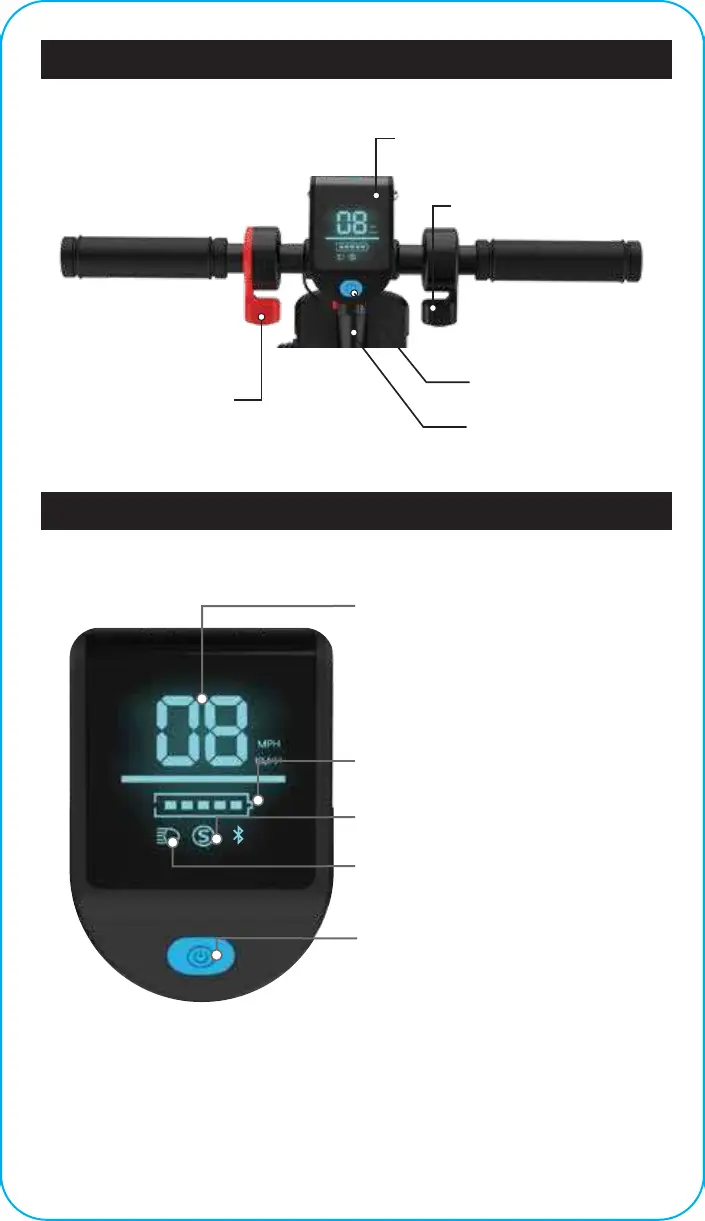
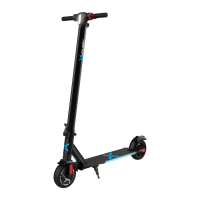
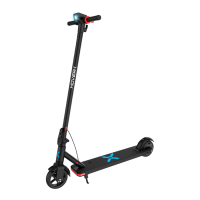
HOVER-1 HIGHLANDER DIAGRAM
LCD DISPLAY
POWER
BUTTON
LCD DISPLAY
THROTTLE
ELECTRONIC BRAKE
FOLDING
HOOK
Press and hold for 2 seconds to power
the EScooter on/o.
POWER/FUNCTION BUTTON
SPEEDOMETER
Displays your current speed in mph.
Displays the current speed mode when
toggled. Press the power button once to
switch between speed modes:
Eco Mode - 7 mph top speed
Normal Mode - 11 mph top speed
Sport Mode - 15 mph top speed
Indicates which speed mode is active
Eco (blank), Normal (blue S), Sport (red S).
SPEED MODE
BATTERY INDICATOR
Displays your current battery level.
HEADLIGHT ICON
Indicates the headlight is activated.
Quickly press the power button two
times to turn the headlight on/o.
16






 To Next Page