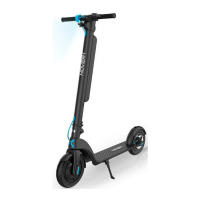
FOLDING UNFOLDING
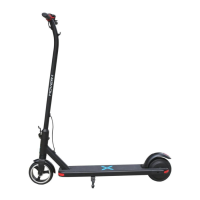
FOLDING & UNFOLDING YOUR PIONEER SCOOTER.
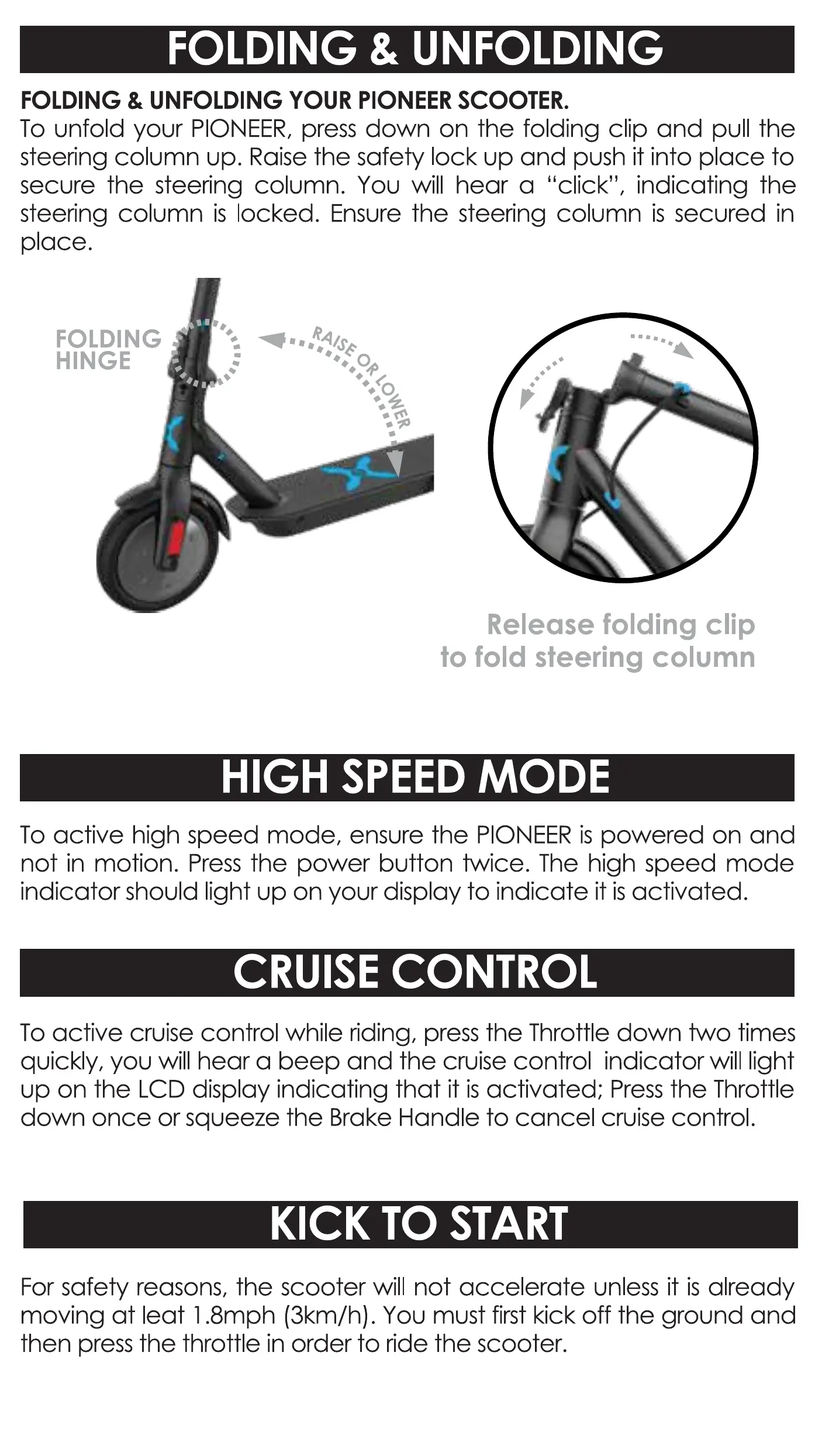
To unfold your PIONEER, press down on the folding clip and pull the
steering column up. Raise the safety lock up and push it into place to
secure the steering column. You will hear a "click", indicating the
steering column is locked. Ensure the steering column is secured in
place.
FOLDING •
HINGE
Release folding clip
to fold steering column
HIGH SPEED MODE
To active high speed mode, ensure the PIONEER is powered on and
not in motion. Press the power button twice. The high speed mode
indicator ShOUId light up on your display to indicate it is activated.
CRUISE CONTROL
To active cruise control while riding, press the Throttle down two times
quickly, you will hear a beep and the cruise control indicator will light
up on the LCD display indicating that it is activated; Press the Throttle
down once or squeeze the Brake Handle to cancel cruise control.
KICK TO START
For safety reasons, the scooter will not accelerate unless it is already
moving at leat I .8mph (3km/h). You must first kick off the ground and
then press the throttle in order to ride the scooter.


 To Next Page