(((((((((((((((((((((((((((((((((((( ( (
7(
(
3. DTU Basic Operation
3.1 LCD Screen Display at Start Up
When the DTU starts up, it goes through the initial boot sequence. During this initial boot
sequence, the DTU LCD screen displays start-up progress as shown:
3.2 Normal Operation
When the DTU completes start and obtains the IP address, normal operation begins. During
the normal operation, the LCD screen displays the basic operation status of the system, and
the two screens shown as below alternate all the time.
(

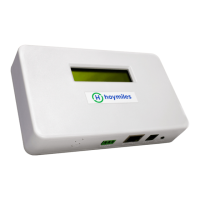
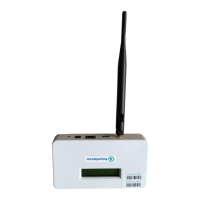
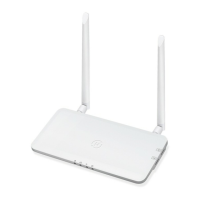



 To Next Page