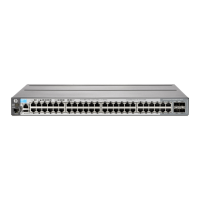
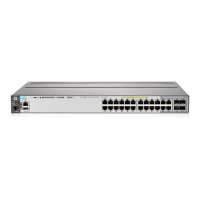
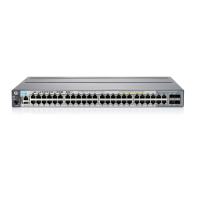
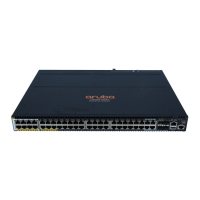
Note 2
If this switch is factory installed in HP Universal Racks, Then the J9583A#0D1 or J9583AZ is
required.
AMS then J9583AZ is required.
EMEA then J9583A#0D1 is required.
APD, Japan and China then J9583A#0D1 is required.
CLIC Only - Allow the J9583AZ in all regions.
Note 3
Localization required on orders without #B2B or #B2C options.
Remarks:
Drop down under power supply should offer the following options and results:
Switch/Router/Power Supply to PDU Power Cord - #B2B in North America, Mexico, Taiwan, and
Japan or #B2C ROW. (Watson Default B2B or B2C for Rack Level CTO)
Switch/Router/Power Supply to Wall Power Cord - Localized Option (Watson Default for BTO and
Box Level CTO)
Internal Power Supplies
Power supplies included in base models.
Enter the following menu selections as integrated to the CTO Model X server above if order is factory built.
Modules
System (std 0 // max=2) User Selection (min 0 / max=2) per Chassis
HP 2-port 10GbE CX4 al Module
J9149A
HP 2p 10GbE CX4 Fact Integrated al Mod
J9149AZ
HP 2-port 10GbE SFP+ al Module
J9008A
min=0 \ max=2 SFP+ Transceivers
See Configuration
Note:2
HP 2-port 10GbE SFP+ Fact Integ al Mod
J9008AZ
min=0 \ max=2 SFP+ Transceivers
See Configuration
Note:2
HP 10GbE al Switch Interconnect Kit
J9165A
HP 10GbE Fact Intg al Switch Intrcon Kit
J9165AZ
Configuration Rules:
QuickSpecs
HP 2910 al Switch Series
Configuration
DA - 13280 North America — Version 20 — December 12, 2013
Page 10


 To Next Page
 Loading...