2
HP Pavilion home PC
Filename: 5219urf 2+ users guide US_ Title: hp pavilion home pc
Template: Normal.dot Author: pamela Last Saved By: Authur
Revision #: 3 Page: 2 of 12 Printed: 09/01/04 07:19 PM
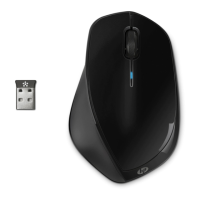
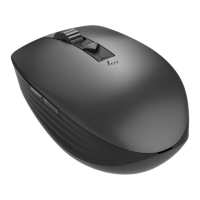
Getting the Mouse Ready
Note:
Do not use rechargeable batteries in the
mouse. Alkaline batteries are recommended.
Install the two AA alkaline batteries
(provided) in the wireless mouse: Turn on
the battery cover from the bottom of the
mouse, and then insert the batteries into the
compartment. Note the battery icons, and
make sure batteries are placed in the
correct direction. Replace the cover.
Note:
The red LED turns on indicating the batteries
are installed correctly.


 To Next Page
 Loading...