EasyManua.ls Logo

HP 5355A - Page 27

HP 5355A
50 pages
Print Icon
To Next Page IconTo Next Page
To Previous Page IconTo Previous Page
Loading...
Model
5355A
Operation
and
Programming
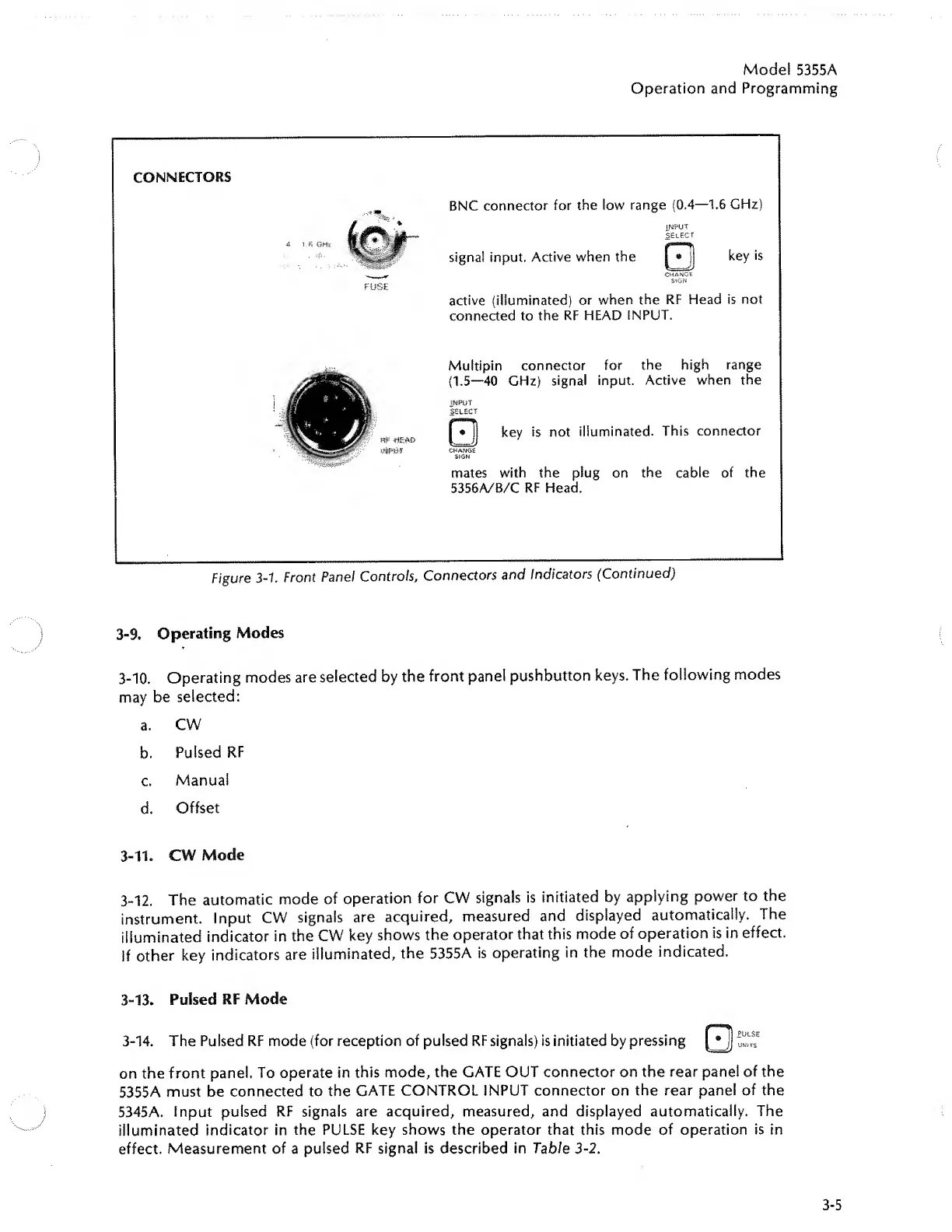
CONNECTORS
FUSE
BNC
connector
for
the
low
range
(0.4—1.6
GHz)
INPUT
select
signal
input.
Active
when
the
CHANGE
SIGN
key
is
active
(illuminated)
or
when
the
RF
Head
is
not
connected
to
the
RF
HEAD
INPUT.
f8=
H£AO
Multipin
connector
for
the
high
range
(1.5—40
GHz)
signal
input.
Active
when
the
INPUT
SELECT
key
is
not
illuminated.
This
connector
CHANGE
SIGN
mates
with
the
plug
on
the
cable
of
the
5356A/B/C
RF
Head.
Figure
3-1.
Front
Pane!
Controls,
Connectors
and
Indicators
(Continued)
3-9.
Operating
Modes
3-10.
Operating
modes
are
selected
by
the
front
panel
pushbutton
keys.
The
following
modes
may
be
selected:
a.
CW
b.
Pulsed
RF
c.
Manual
d.
Offset
3-11.
CW
Mode
3-12.
The
automatic
mode
of
operation
for
CW
signals
is
initiated
by
applying
power
to
the
instrument.
Input
CW
signals
are
acquired,
measured
and
displayed
automatically.
The
illuminated
indicator
in
the
CW
key
shows
the
operator
that
this
mode
of
operation
is
in
effect.
If
other
key
indicators
are
illuminated,
the
5355A
is
operating
in
the
mode
indicated.
3-13.
Pulsed
RF
Mode
3-14.
The
Pulsed
RF
mode
(for
reception
of
pulsed
RF
signals)
is
initiated
by
pressing
Qjj
^
on
the
front
panel.
To
operate
in
this
mode,
the
GATE
OUT
connector
on
the
rear
panel
of
the
5355A
must
be
connected
to
the
GATE
CONTROL
INPUT
connector
on
the
rear
panel
of
the
5345A.
Input
pulsed
RF
signals
are
acquired,
measured,
and
displayed
automatically.
The
illuminated
indicator
in
the
PULSE
key
shows
the
operator
that
this
mode
of
operation
is
in
effect.
Measurement
of
a
pulsed
RF
signal
is
described
in
Table
3-2.
3-5

Related product manuals