EasyManua.ls Logo

HP 5355A - Keyboard Check

HP 5355A
50 pages
Print Icon
To Next Page IconTo Next Page
To Previous Page IconTo Previous Page
Loading...
Model
5355A
Operation
and
Programming
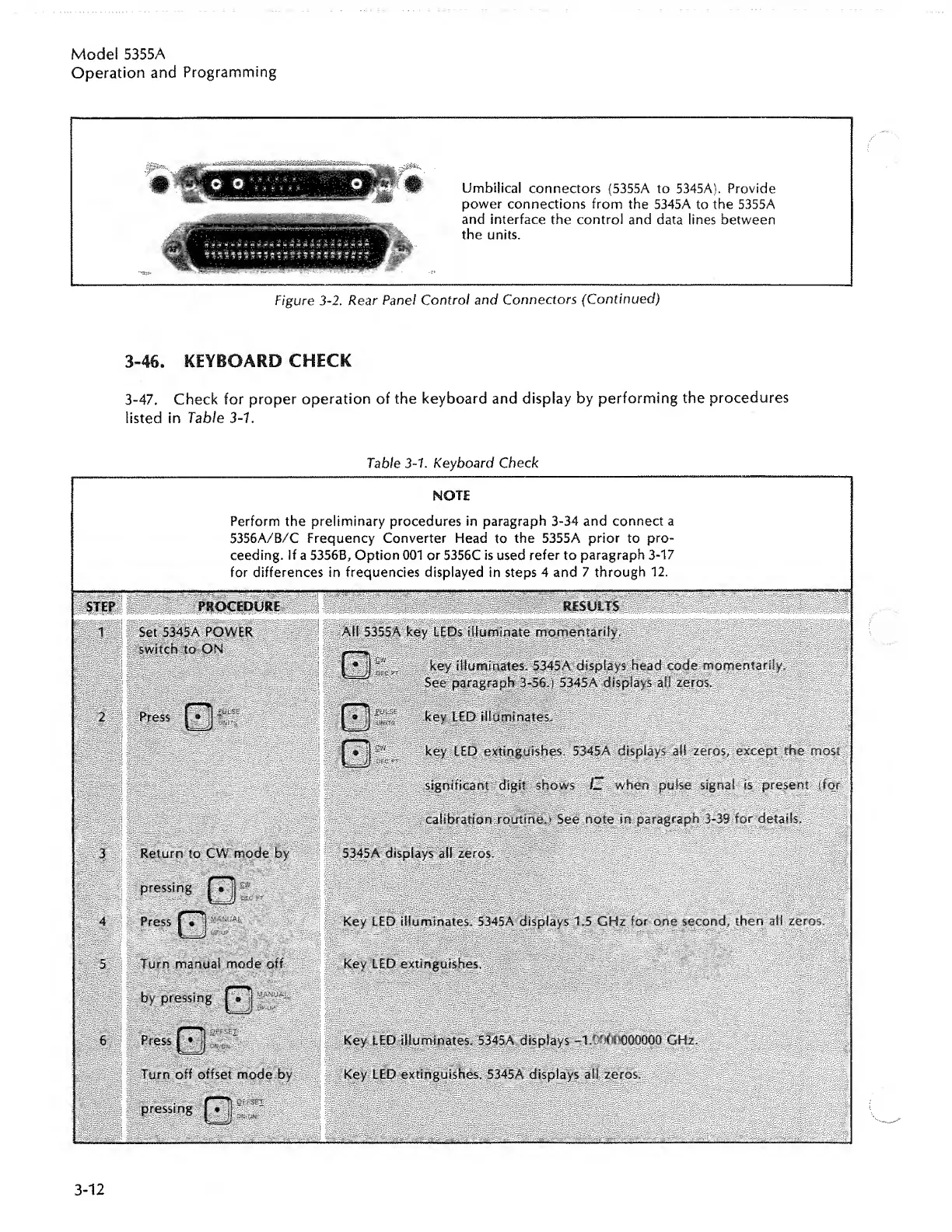
Umbilical
connectors
(5355A
to
5345A).
Provide
power
connections
from
the
5345A
to
the
5355A
and
interface
the
control
and
data
lines
between
the
units.
F/gure
3-2.
Rear
Panel
Control
and
Connectors
(Continued)
3-46.
KEYBOARD
CHECK
3-47.
Check
for
proper
operation
of
the
keyboard
and
display
by
performing
the
procedures
listed
in
Table
3-1.
Table
3-1.
Keyboard
Check
NOTE
Perform
the
preliminary
procedures
in
paragraph
3-34
and
connect
a
5356A/B/C
Frequency
Converter
Head
to
the
5355A
prior
to
pro¬
ceeding.
If
a
5356B,
Option
001
or
5356C
is
used
refer
to
paragraph
3-17
for
differences
in
frequencies
displayed
in
steps
4
and
7
through
12.

Related product manuals